

Wamellow
Verified31,700 servers
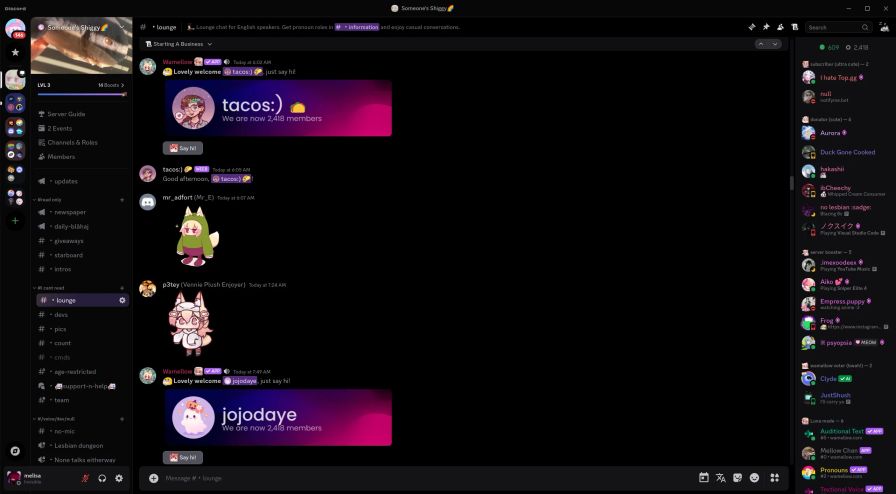
Wamellow offers a ton of features aside of Text-to-Speech for your server for free! Learn more about how to use them in the documentation
- Member Greeter
- Member Farewell
- Starboard
- Captcha verification
- /rank cards and /leaderboard
- Message, Voice & Invite tracking
- Text to Speech, Chat to Speech, TTS
- Free AI Cat Girl (
/meow) - Free AI Chat Bot (
/ask) - Free /anime command
- Custom Commands / Tags
- Stickymessage
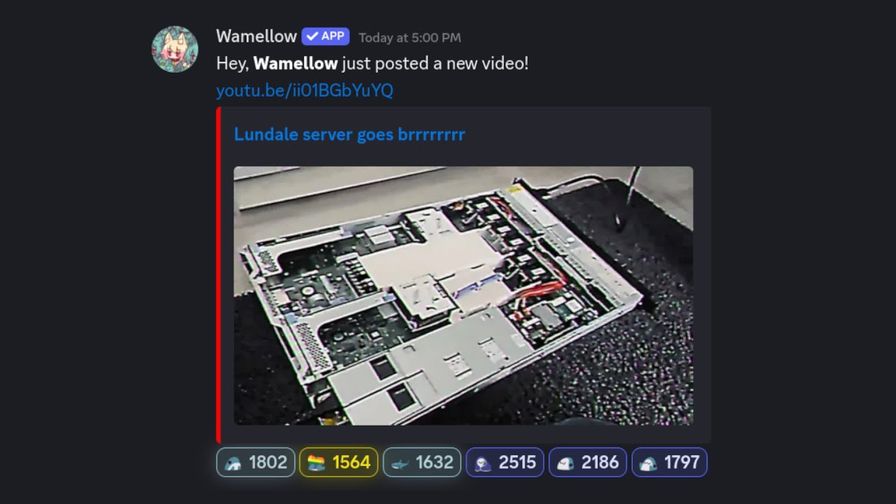
- Free & Customizable YouTube, Twitch, Bluesky and Reddit Notifications
- Daily Blåhajs, Animes & Nekos
- Transcribe Voice Messages
- Bluesky × Discord Bridge
- Amazing Dashboard
🚀 Quick setup
Invite Wamellow to your server.
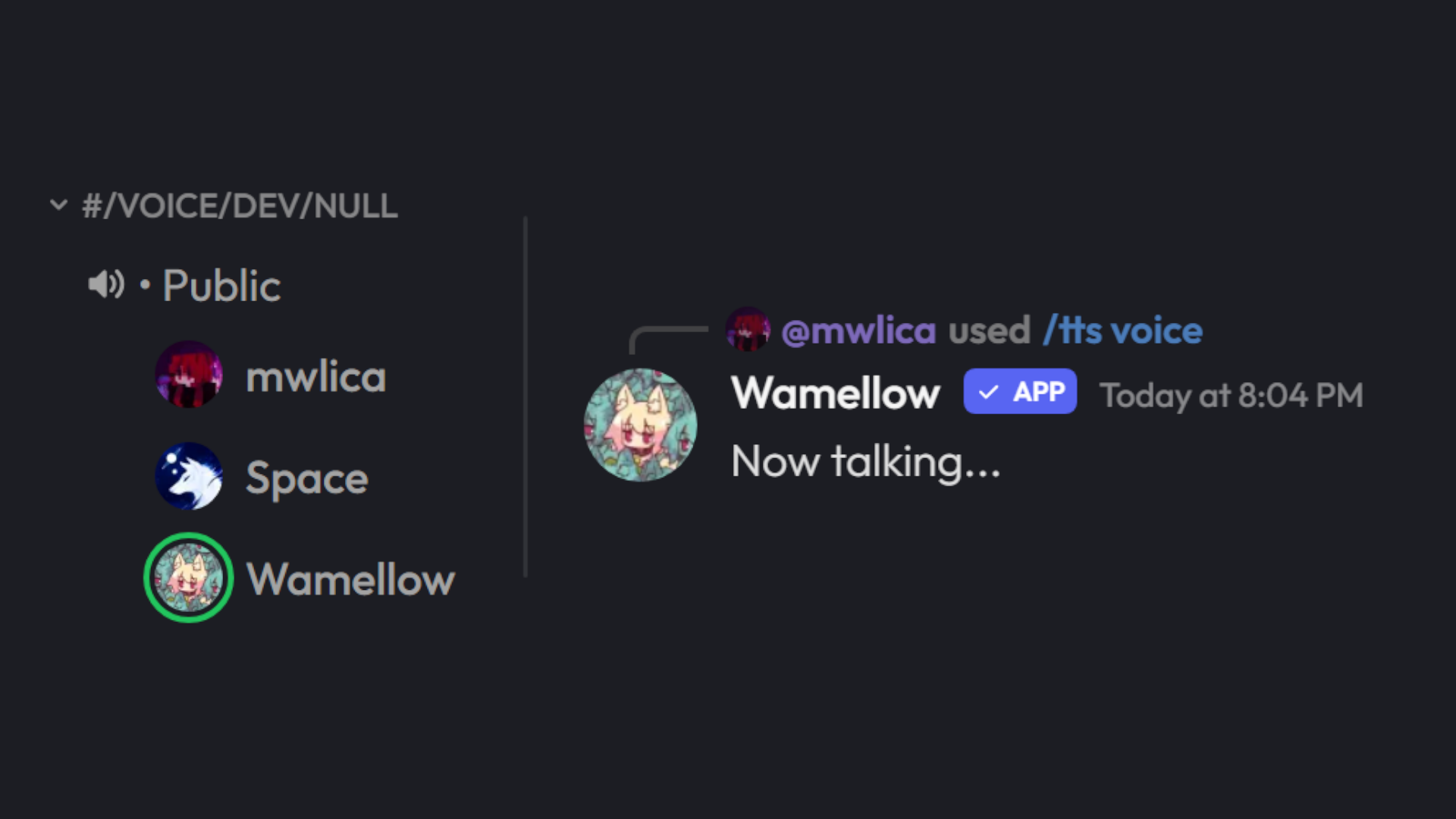
Select the server you want to add Wamellow to and click “Authorize”.(TTS) Speak with /tts voice in any voice channel.
Just run the /tts voice command in Discord to speak in any VC.(TTS) You can create a new channel to use Text to Speech in.
Don’t forget to also enable the Text to Speech in that channel on the dashboard.(TTS) Change the language and voice on your profile.
You can change the default language and voice on our website or with the/tts set speakercommand inside of Discord.(Notifications) Setup on the dashboard > Notifications
Click "Create new Notification," enter a channel URL and a Discord channel, DONE!!
Read the docs here.(Optional) Want to disable some commands?
Use the Discord Integration Settings to disable commands.(Optional) Something not working right?
If you need help, join the Community Server.
🔊 Text to Speech
You can either generate files using /tts file, talk in voice chats with /tts voice or setup a dedicated channel! Great for people with aphonia, dysphonia, or other speech impairments, like me.
- 10 languages & 100 voices (preview)
- Usage logs (setup)
- Priority role (setup)
- Announce user (setup)
- Message queue (setup)
- Custom max message length (setup)
- 6 voice filters (
/tts set filter) - 4,000 characters per message
- Free auto-translate
Wamellow currently supports the following languages,
- 🇺🇸 English (US/UK/AU)
- 🇩🇪 German
- 🇫🇷 French
- 🇮🇹 Italian
- 🇪🇸 Spanish
- 🇲🇽 Spanish, Mexico
- 🇵🇹 Portuguese
- 🇧🇷 Portuguese, Brazilian
- 🇮🇩 Indonesian
- 🇯🇵 Japanese
- 🇰🇷 Korean
Filters are a way to tamper with the voices when using Wamellow in VCs, they can be toggled using /tts set filter by VC moderators. This setting applies to anyone currently using Wamellow in the VC, all filters will be removed once Wamellow leaves. Multiple filters can be enabled and used at the same time.
Wamellow currently supports the following filters,
- Vaporwave
- Nightcore
- Rotation
- Tremolo
- Vibrato
- LowPass
You can automatically translate your messages from any language into your current tts language for free. Either append -tr to the end of your message (like "Hello World -tr") or set translate to yes when using the /tts voice.
Open Text to Speech setup Guide
📢 Stylish Social Notifications
Set up notifications with free custom messages and embeds for up to 30 channels and get notified in less than a minute.
Wamellow is the first and only Discord Bot to officially support Bluesky (bsky.app) for post notifications in Discord!
- Twitch streams, YouTube videos, Bluesky and Reddit posts
- Custom post filters
- Up to 30 channels for free
- Custom message and embed
- Custom regex filters
- Sent within seconds
- World class support
- Over 99.9% uptime
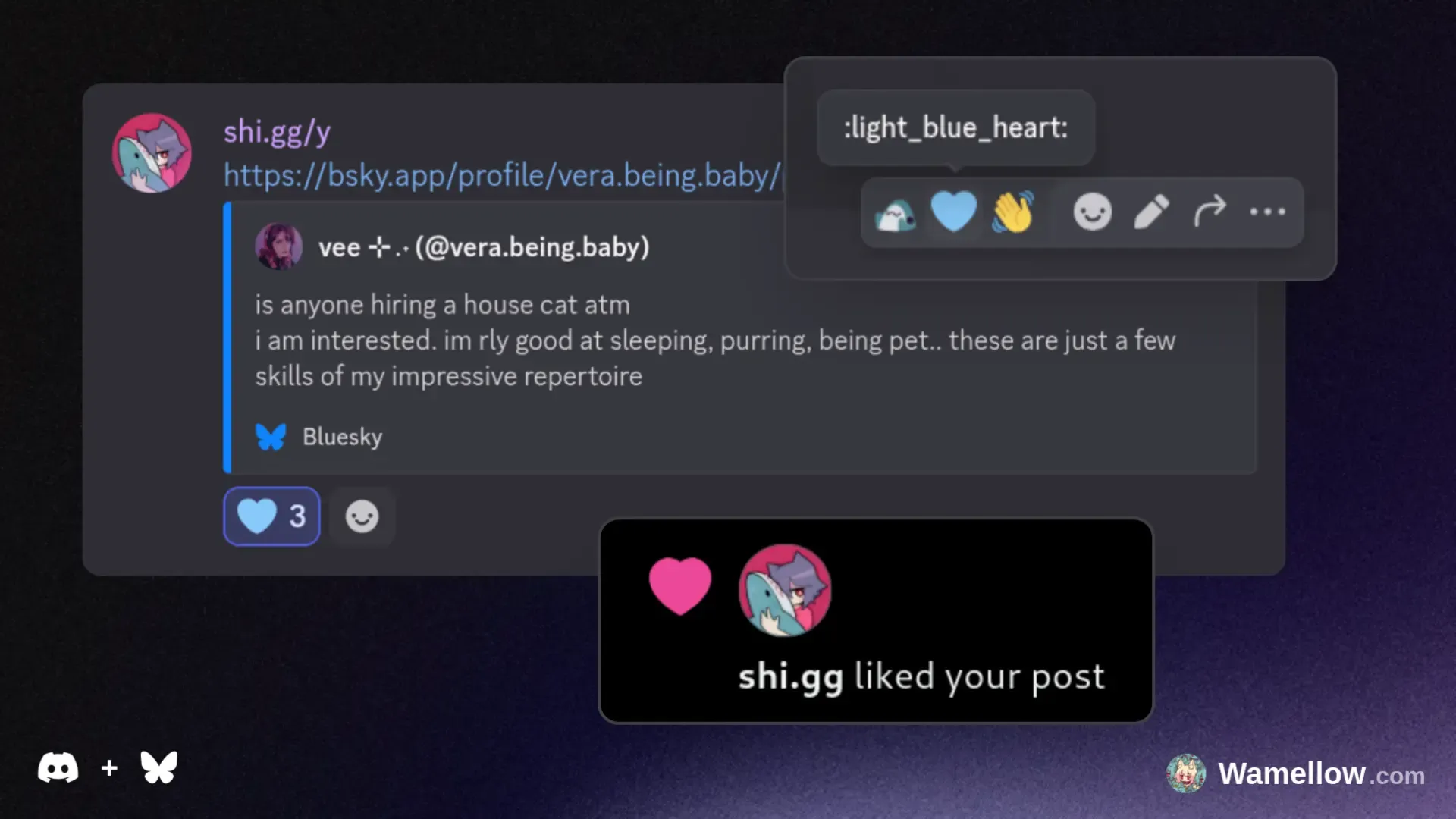
🩵 Bluesky × Discord Bridge
React with a 🩵 light blue heart emoji to any message containing a Bluesky post to like the post on Bluesky!
When Wamellow sends a Bluesky post notification in Discord, you will see two additional buttons that allow you to interact directly with the post:
- Like: Click the 🩵 button to like the post on Bluesky.
- Repost: Click the repost emoji button to repost it.
animeこの意味は誰にもわからないだろう。とにかく、あなたのワイフを楽しんでください。
type – Select what type of anime you want to see.
ttsLet me speak in a voice chat using text to speech or I just give you a simple file.
file – Get a text to speech audio file for download.
voice – Let me speak in some voice chat. I'll join the one you're currently in.
stop – Reset the player in case it is stuck or you want to stop playback.
skip – Cut off and skip the currently playing message.
set – Set the default stuff for any Text to Speech related things.
afkLet other users know that you're away when they ping you.
reason* – The reason why you are currently away.
askTalk with the best Ai Chat models, ask questions, let it code something for you or just have fun!
message* – What ever you want to ask the ai...
model – The model to use for the chat.
- Allam 2 7b:
allam-2-7b - Compound Beta:
compound-beta - Compound Beta Mini:
compound-beta-mini - Llama 3.1 8b Instant:
llama-3.1-8b-instant - Llama 3.3 70b Versatile:
llama-3.3-70b-versatile - Meta Llama/llama 4 Maverick 17b 128e Instruct:
meta-llama/llama-4-maverick-17b-128e-instruct - Meta Llama/llama 4 Scout 17b 16e Instruct:
meta-llama/llama-4-scout-17b-16e-instruct - Moonshotai/kimi K2 Instruct:
moonshotai/kimi-k2-instruct - Moonshotai/kimi K2 Instruct 0905:
moonshotai/kimi-k2-instruct-0905 - Openai/gpt Oss 120b:
openai/gpt-oss-120b - Openai/gpt Oss 20b:
openai/gpt-oss-20b - Qwen/qwen3 32b:
qwen/qwen3-32b
meowmeow meow meow mrrrp,,, meow :3
message* – meow?
Similar Social Bots
Discover other social bots that might interest you



Popular Discord Bots
Check out the most popular bots in our directory



Discover More Bots
Explore our complete directory of Discord bots to find the perfect ones for your server