
Pinned Messages
5,520 serversMedia Gallery
About Pinned Messages
📌 Pinned Messages Discord Bot
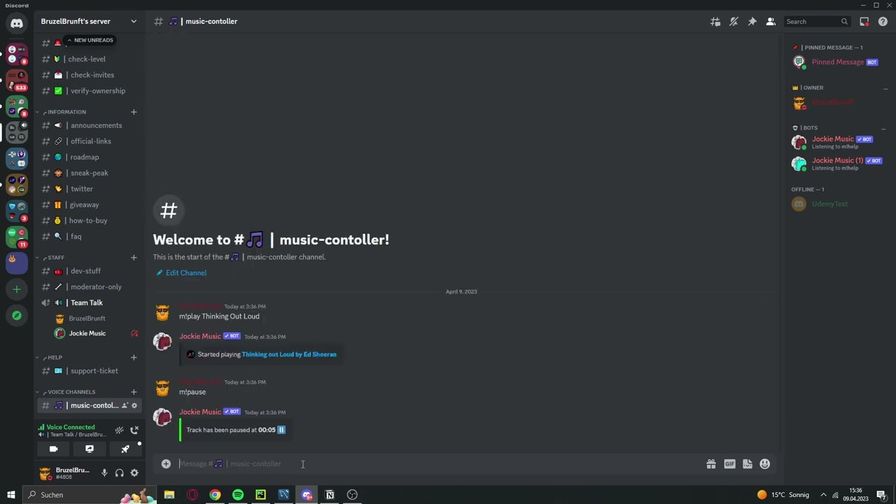
Pinned Messages Discord bot is an essential tool for your Discord server. It allows you to highlight and keep crucial messages always visible at the bottom of a chat channel. Below is a detailed explanation of how it works and the commands you can use:
📜 Commands
1. Pin a Message
/pin <message_link>
Use this command to pin a specific message to the bottom of the current channel.
2. Check Pinned Messages
/status
Check and display all the pinned messages on your server.
3. Unpin a Message
/stop
Unpin the message in the current channel.
⚙️ How It Works
Pinning a Message:
- Simply use the
/pin <message_link>command to pin any message you want to highlight. - The pinned message will stay at the bottom of the chat, even if new messages are posted.
- Simply use the
Unpinning a Message:
- To unpin a message, use the
/stopcommand.
- To unpin a message, use the
That's it! It's a straightforward bot designed to keep important messages front and center in your Discord server.
Keep your important messages always visible with the Pinned Messages bot! 🚀
Popular Commands
| Command | Description |
|---|---|
/help | Explains the Bots functions |
/status | Displays the status of all active pinned messages and your plan. |
/pin | Pin a message to the bottom of chat message_linkSpecify message to pin by message link or message ID |
/customize | Change the bot's display name and profile picture in this channel. new_nameEnter the new display name for the bot's messages in this channel. image(Optional) Upload a new profile picture for the bot's messages. Only PNG and JPEG files are allowed. |
/stop | Stops the Bot from Pinning a message in a selected channel or resets all guild data. choose_channelChoose the channel where to stop Pinning the Message or reset all data |
Support Server

Categories
Tags
Monetization
Languages
Links
Similar Bots
Other moderation and tools bots you might like






Popular on UpBot
Trending bots in our directory