About PollBotWP
Create visual image polls for your Discord community.
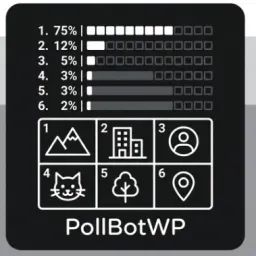
PollBotWP combines up to 12 images into a clean collage and turns them into numbered voting options. It supports PNG, JPEG, WEBP and GIF files up to 10 MiB each, role-based voting, optional @everyone notifications and an optional second round when a poll ends in a tie.
First-time setup
An administrator runs /setup start and follows three steps:
- Select the server language
- Select the channel where polls and final results will be published
- Review and save the configuration
Use /setup status at any time to view the current configuration. Discord administrators can separately restrict slash commands by channel or role in Server Settings → Integrations.
Creating a poll
- Run /imgpoll from any server channel where Discord allows the command.
- Enter the poll title and duration.
- Open the bot's DM and send 2–12 images.
- Use the wizard to preview the collage, choose voting roles and notification settings, and enable or disable a second round for ties.
- Publish the poll. It will appear in the channel selected during setup.
If the configured channel changes, existing polls continue to work in their original channel. Final results include the result collage and the winning image or GIF. In a tie, the tied options are shown together.
Need help or want to suggest an improvement? Use /support report for troubleshooting or join the support server: https://discord.gg/A2Mtv8pecq
Popular Commands
| Command | Description |
|---|---|
/imgpoll | Create an image-based poll. Images become options with live results. titlePoll title durationPoll duration in hours |
/setup | Configure the bot for this server. startStart setup wizard statusShow current setup status |
/support | Send a troubleshooting report to bot support. reportCreate a support report for this server. |
/setlang | Display language for YOU only. Does not change server language. langLanguage |
Categories
Tags
Monetization
Languages
Links
Similar Bots
Other entertainment bots you might like






Popular on UpBot
Trending bots in our directory