

CastCord
214 servers+49 this week- Servers
- 214
- Rank
- #5,814
- Last 7 days
- +49(+29.7%)
- Last 30 days
- +147(+219.4%)
Media Gallery
About CastCord
Connect your Twitch to your Discord — automatically
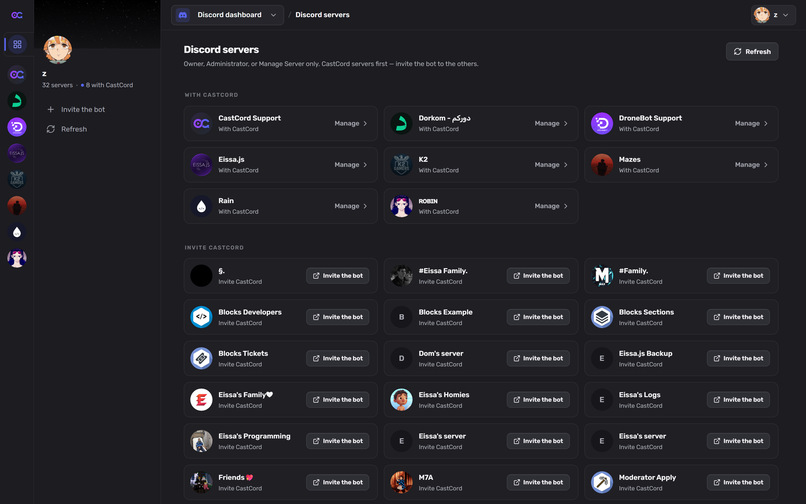
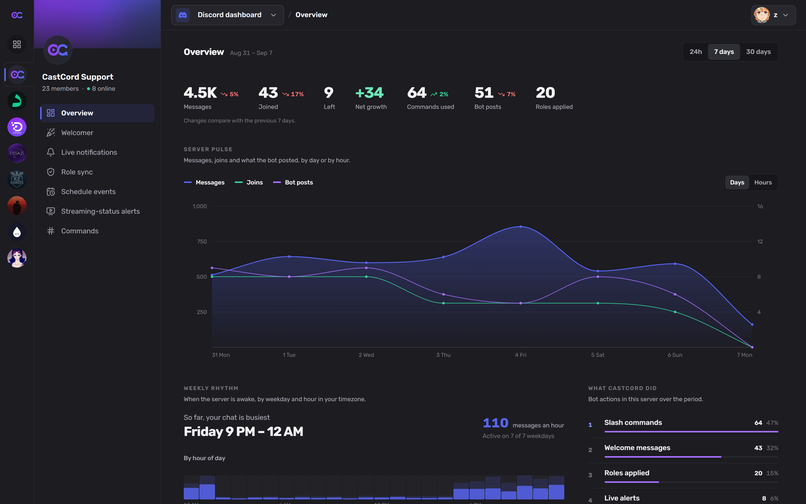
CastCord runs your community across both platforms: alerts when streams go live, welcome cards for new members, and Discord roles that mirror Twitch status — with a full web dashboard and zero setup commands.
Live alerts
Post rich go-live announcements the moment a tracked Twitch channel starts streaming — custom message, embed, preview image, and optional role ping. Alerts can edit or clean themselves up when the stream ends.
Welcome cards
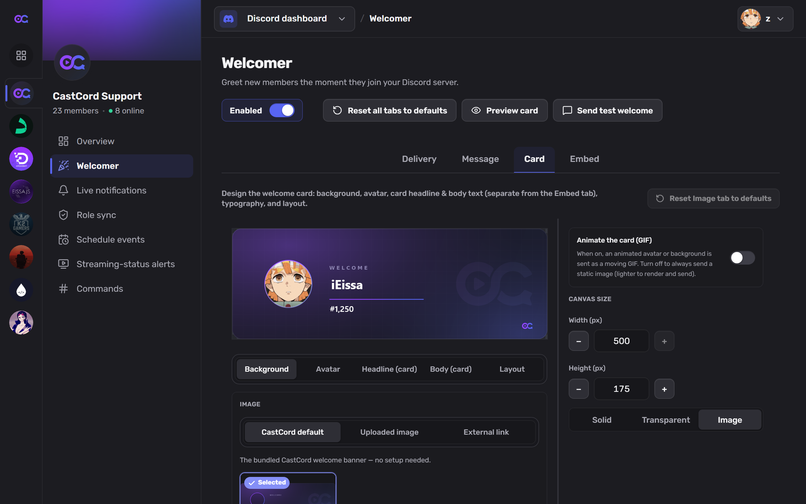
Greet every new member with a card you design yourself: your background, your text, the member's avatar — static or animated. Track who invited them with invite variables.
Twitch role sync
Members link their Twitch once and automatically receive their subscriber-tier, VIP, and moderator roles in your server — granted the moment they join, kept in sync afterwards.
Streaming-status roles
Members who go live on Twitch get a temporary "Live" role and an announcement, with role filters and per-member exclusions under your control. Removed automatically when the stream ends.
And more
- Discord scheduled events built from your Twitch schedule
- Linked Roles for Twitch Affiliate / Partner status
- Chat commands, auto-replies, timers, and moderation for your Twitch chat
- OBS browser-source overlays
Dashboard: https://castcord.tv · Docs: https://docs.castcord.tv
Growth History
Server count trends over the last 6 months
Popular Commands
| Command | Description |
|---|---|
/about | What CastCord does, with links to the dashboard and support. |
/castcord | CastCord: Twitch live alerts in Discord notifyAdd a Twitch live alert: choose a text or announcement channel for alerts. editChange the text/announcement channel for a live alert you already follow (same options as /notify). |
Frequently Asked Questions
Categories
Tags
Monetization
Languages
Similar Bots
Other social bots you might like


