Media Gallery

Image

Image

Image
About TimeZone
TimeZone by Λrcteligent keeps distributed teams aligned without leaving Discord.
Easy button menus — run /menu once, then tap buttons and fill simple forms. No command memorizing. No wall of slash commands.
What it does
- 🧭 Easy /menu control panel — buttons and forms for everything
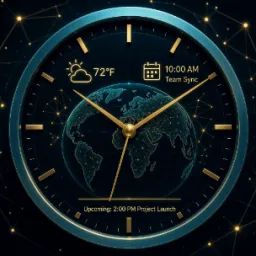
- 🕒 Live clocks — sidebar voice channels for each office (Oslo, London, NYC, …), with local weather (°C/°F), sky phase (dawn → deep night), and display toggles
- ☀️ Morning digest — daily good-morning card with a quote, forecast, and what's due today, at a local time you choose
- ⏰ Alarms & reminders — fire at local time in any timezone, not just yours
- 📅 Shared events — lightweight calendar for team milestones
- 🔀 Convert & meet — wall-clock conversion and overlap windows across offices
- 🌐 World board — multi-city clock board from the Tools tab
- 🛠 Display options — show/hide weather, sky, flags, zones, and clock faces per server
How to start
- Invite TimeZone (Manage Channels is required for live sidebar clocks).
- Run /menu.
- Tap Live clocks → Add clock, or Digest → Enable.
Free on every server. Optional Pro unlocks more clocks, multi-zone digests, and higher alarm/event caps.
Commands: /menu (everything) · /status (health)
Live sidebar clocks (update ~every 5 min — Discord rename limit)
Operated by Λrcteligent. Privacy and terms: https://arcteligentlabs.com/apps/time
Popular Commands
| Command | Description |
|---|---|
/pro | 👑 OWNER · grant / revoke Pro grant✅ Grant Pro revoke🛑 Revoke Pro statusℹ Pro status |
/menu | 🕐 Open the control panel (buttons) |
/status | 📡 Bot health |
Categories
Tags
educationproductivitysocialutility
Monetization
Languages
American English
Similar Bots
Other social bots you might like






Popular on UpBot
Trending bots in our directory