
ZeroBot
522 servers+75 this week- Servers
- 522
- Rank
- #4,406
- Last 7 days
- +75(+16.8%)
- Last 30 days
- —
Media Gallery
About ZeroBot
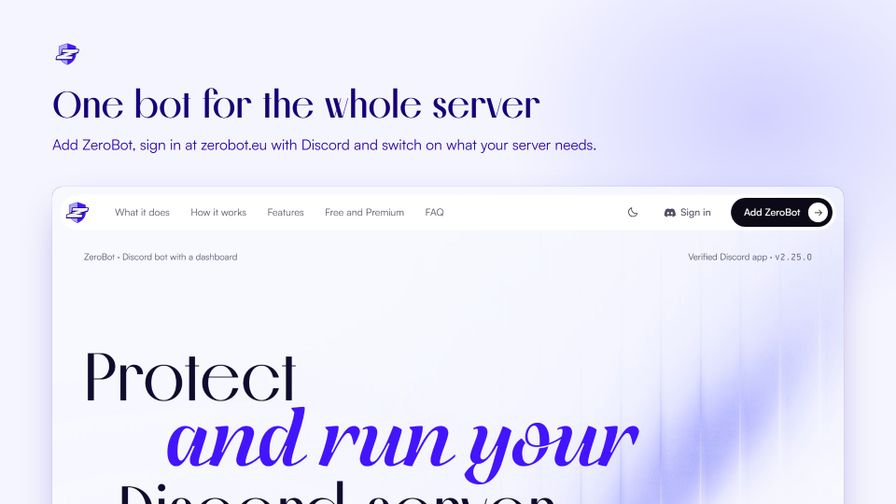
ZeroBot protects, moderates and runs your Discord server, and you set it up from a web dashboard instead of config commands.
Sign in with Discord at https://zerobot.eu, pick a server and switch on what you need. Every module has its own page, and the dashboard is in 12 languages.
Protection
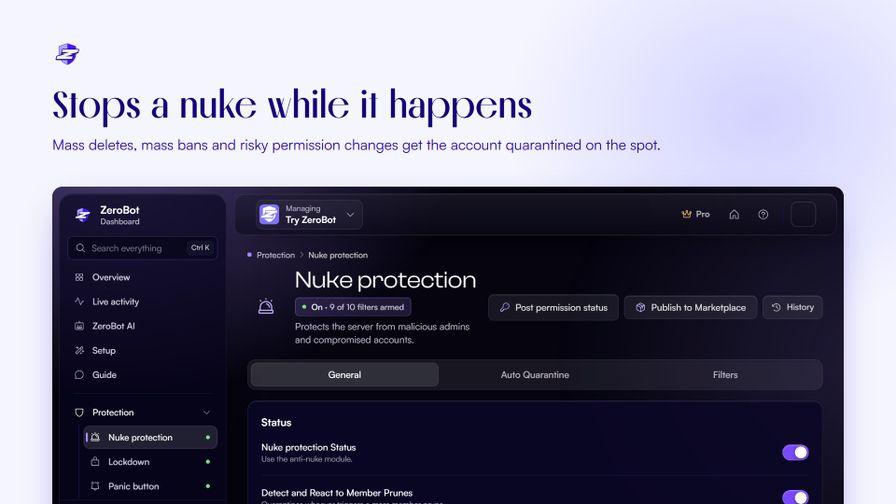
- Nuke protection quarantines an account that mass-deletes channels or roles, mass-bans or hands out dangerous permissions.
- Raid protection pauses invites during a join wave and deals with bot-looking accounts.
- Auto-mod and AI moderation for spam, invites, mass mentions and harmful messages, with Undo on every action.
- Verification with a button, a captcha or a website check, plus an account-age gate and a honeypot channel.
Moderation and logs
- Ban, kick, timeout, warn, purge, lock and case history, as slash commands or with your own chat prefix.
- Logs for more than 40 event types, each to the channel you pick.
Tickets and support
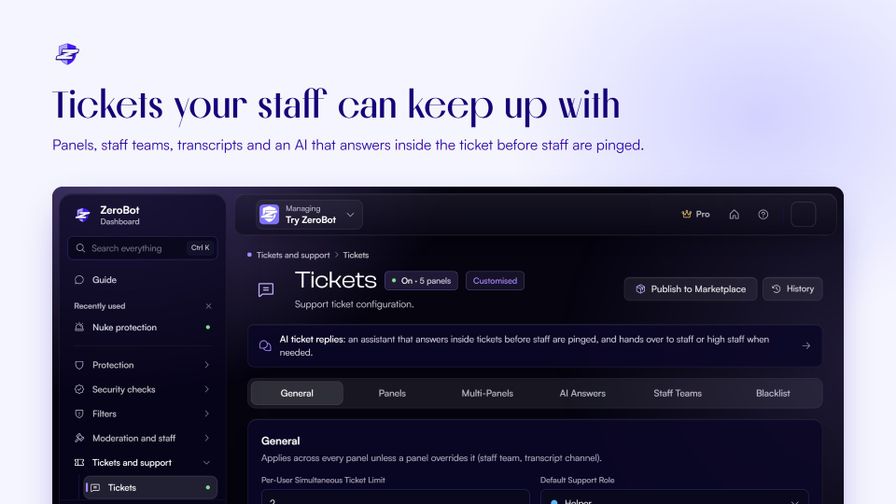
- Ticket panels, staff teams, transcripts and ratings.
- Ticket AI answers inside a ticket from your server info and hands over to staff with a short summary.
- Auto answers, staff applications and forms.
Community
- Welcome, leave and boost messages with picture cards, reaction roles and self roles.
- Levels, giveaways, birthdays, invite tracking and social alerts.
- Advanced Messages: a builder for Discord's Components V2 layouts.
Build your server
- ZeroBot AI: describe the server you want and it designs the channels, roles and permissions. You see a preview first, and nothing changes until you press Build.
- Server Builder sets up a full server from a template.
Free and Premium
The free plan runs a whole server. ZeroBot Plus, Pro and Ultra are per server and add daily backups, Time Machine to undo any change, your own bot profile, AI answers before a ticket opens and higher limits. Plus can be tried free for 5 days from your first setup.
Privacy
- ZeroBot does not DM your members.
- Dashboard sign-in only asks Discord who you are and which servers you manage.
Start with /help. Try every feature first on the demo server: https://discord.gg/4EF6QbXJ3r
Support server: https://discord.gg/7D9bwSf7Js
Growth History
Server count trends over the last 6 months
Popular Commands
| Command | Description |
|---|---|
/coins | this server's coins: your balance, the daily reward, the shop and transfers balancehow many coins you (or another member) have dailyclaim your daily coins; every day in a row adds a streak bonus paysend some of your coins to another member topthe members with the most coins shopwhat you can spend your coins on buybuy something from the shop givestaff: give a member coins, with a reason for the ledger takestaff: take coins from a member, with a reason for the ledger |
/help | what ZeroBot does and where to set it up |
/level | check your (or someone else's) level and xp usermember to check |
/xp | change members' XP (admins) addgive a member XP removetake XP from a member setset a member's XP or level resetset a member back to 0 XP reset-allset everyone back to 0 XP (asks to confirm) |
/purge | delete recent messages in this channel (up to 100, newer than 14 days) amounthow many messages (1 to 100) useronly messages from this member filteronly some messages textfor the containing filter: the text to look for reasonwhy (a reason template code works too) |
Frequently Asked Questions
Widget for ZeroBot
Do you develop ZeroBot? Show its server count, rank and growth on your website or README. Use the PNG where SVG images are not supported.
[](https://directory.upbot.app/bots/1540712680510459944)Support Server

Categories
Tags
Monetization
Languages
Similar Bots
Other moderation and tools bots you might like


