
Media Gallery
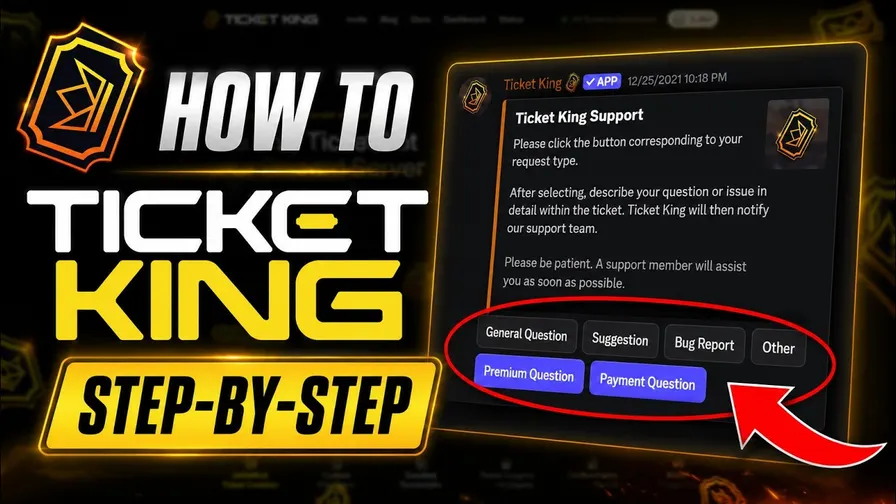
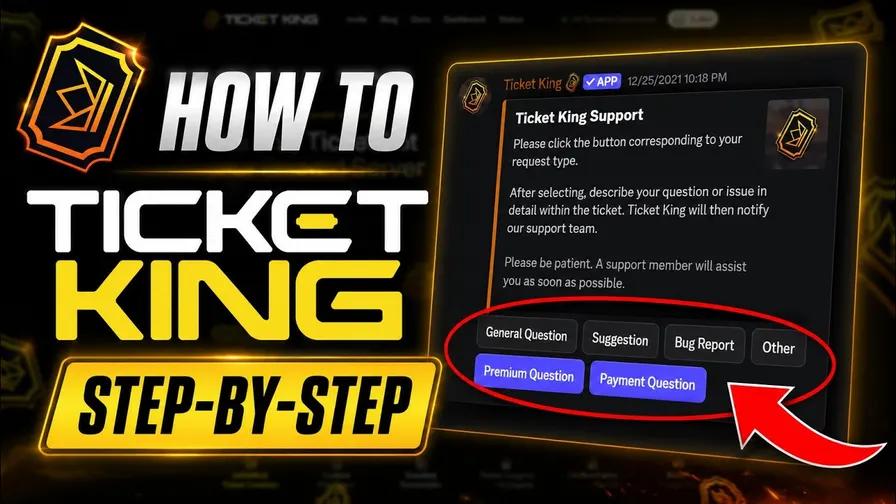
About Ticket King
Ticket King — The Most Generous Free Discord Ticket Bot
Run /quicksetup and have a complete ticket system live in 60 seconds. Tickets, staff applications, post-ticket ratings, lifetime transcripts, and a full web dashboard — all free. Trusted by 600,000+ servers worldwide.
No paywalled basics. No hour-long setup. No feature ceiling the moment your community grows. Just the most complete ticket bot in the category.
🚀 Set Up In 60 Seconds
/quicksetup is a three-step interactive wizard:
- Pick staff roles — select any number of roles that should see new tickets
- Choose a log channel — every open/close event lands here automatically
- Send your panel — Ticket King drops a working ticket panel for your members
That's it. You're live. Tweak anything later via slash commands or the dashboard — but you don't have to.
🆓 What's Free (yes, all of this)
- Unlimited tickets — no monthly cap, ever
- 10 fully-customizable panels with buttons, select menus, and forms
- Channel or thread tickets — your choice per panel
- Pre-ticket forms — text inputs, dropdowns, user/role/channel/mentionable pickers
- Per-option routing — different staff roles, categories, prefixes, and pings per button
- Ticket claiming, transfer, and 3 claim modes (open, read-only, fully private)
- Priority levels — Low / Medium / High / Urgent (🟢🟡🟠🔴)
- Private staff threads inside any ticket (
/thread) - Manual ticket creation for users (
/createticket) - Right-click any message → Create Ticket
- Auto-close on user leave
- Complete applications system — staff recruitment, role requests, partner forms, with eligibility rules and approval workflows
- Lifetime transcripts — searchable, attachment-preserving, on the web
- Full web dashboard — visual panel editor, statistics, history, settings, audit logs
- Granular dashboard permissions assignable per Discord role
- Custom embed everything — title, description, color, author, footer, fields, images
- 39 languages
- All staff slash commands
🌐 The Web Dashboard at ticketking.xyz
A real second front-end for your support team — desktop + mobile responsive:
- Visual panel editor with drag-and-drop
- Statistics & charts — trends, status breakdowns, staff performance over any date range
- Searchable ticket history — filter by status, rating, staff, date
- Audit logs — every dashboard action recorded with user, event, timestamp
- Granular permissions assignable per Discord role
- Live ticket view & close (Premium) — read messages in real time, close from the browser
💎 Want More? Premium Unlocks
- Unlimited panels
- Live web ticket view & close
- Auto-close on inactivity
- Unlimited Custom Commands — keyword responses with embeds & components
- Panel Templates — save and share across your servers
- Steam Integration for gaming communities
- Bot Personalizer — custom bot name, avatar, banner, and bio
🌍 39 Languages
English (US & GB), Spanish (Spain & LATAM), Portuguese (BR), French, German, Italian, Russian, Polish, Ukrainian, Dutch, Swedish, Danish, Norwegian, Finnish, Romanian, Bulgarian, Croatian, Serbian, Slovak, Slovenian, Hungarian, Czech, Turkish, Greek, Arabic, Hebrew, Hindi, Vietnamese, Thai, Japanese, Korean, Chinese (Simplified & Traditional), Indonesian, Lithuanian, Haitian Creole.
⚡ Get Started
- Click Add to Server above
- Run
/quicksetup - You're live.
ticketking.xyz · Dashboard · Docs · Premium · Support
Popular Commands
| Command | Description |
|---|---|
/add | Adds a user to the current ticket. userThe user to add to the ticket. roleAdds a role to the current ticket. |
/close | Closes the current ticket. reasonThe reason for closing the ticket. |
/rename | Renames the current ticket. nameThe new name of the ticket. |
/closerequest | Requests to close the current ticket. reasonThe reason for requesting to close the ticket. |
/panel | Creates a basic panel. |
Categories
Tags
Monetization
Languages
Similar Bots
Other moderation and tools bots you might like






Popular on UpBot
Trending bots in our directory