
Media Gallery

About MCPinger
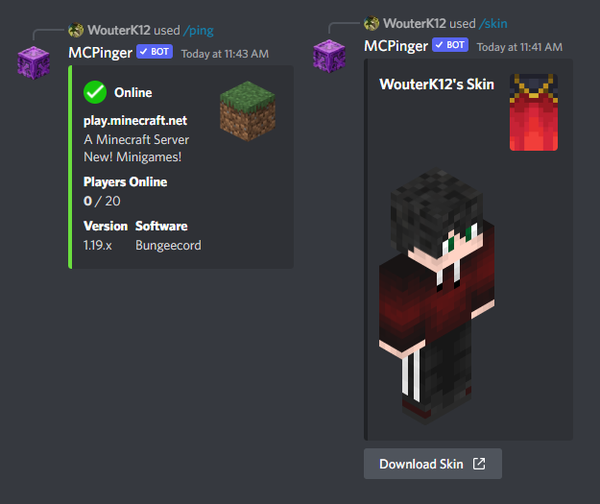
MCPinger is used to view the status of any Minecraft server. It shows the MOTD, player count, version, software and icon.
Commands
All commands with descriptions and examples can be found on MCPinger's website. (See links)
Features
Next to viewing statuses, you may also view any Minecraft user's skin or UUID.
You can create custom advancements and track the status of a server.
Customize settings to visualise the ping embed to your likings.
Tracker
A check is performed every 10 minutes.
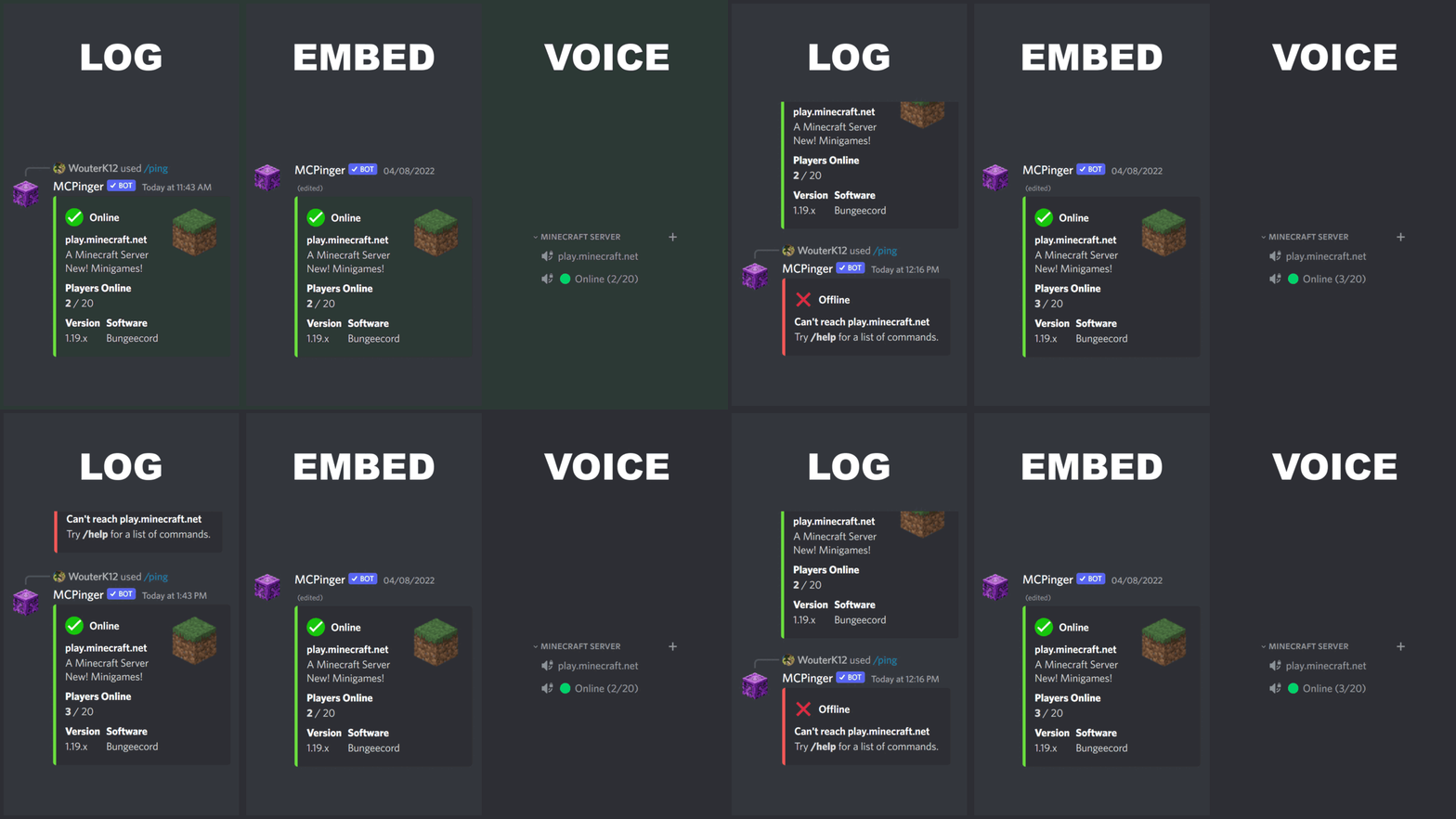
You can log the status, view it in an auto-updating embed or in the name of a voice channel.
The tracker will disable after 200 failed checks, when the server is offline. (That's about 33 hours)
Popular Commands
| Command | Description |
|---|---|
/tracker | Track the status of any Minecraft server. (Check every `10` minutes.) statusView the current status of the tracker. enableEnable the tracker. disableDisable the tracker. helpView more information about trackers. |
/help | View a list of commands. |
/ip | Set the default Minecraft server. (Admin-only command) hostnameIP-Address of a Minecraft server editionSpecify the Minecraft edition |
/ping | Ping the default Minecraft server. | Ping any Minecraft server by its IP address. hostnameIP-Address of a Minecraft server editionSpecify the Minecraft edition |
/settings | Customize what to show on a ping embed. statusView the current settings. enableEnable a field on a ping embed. disableDisable a field on a ping embed. |
Tags
Monetization
Languages
Links
Similar Bots
Other games bots you might like






Popular on UpBot
Trending bots in our directory