
Media Gallery
About X-Bot
X-Bot is bridging the gap between Xbox and Discord. Running for over 3 years X-Bot has grown to be a very powerful tool amongst community servers. Not sure you want to add X-Bot to your server? Give it a go in a respected community:
📋 Getting Started
X-Bot requires ZERO setup to use. Once added type /x and you'll see all of X-Bot's commands.
⭐ Highlights
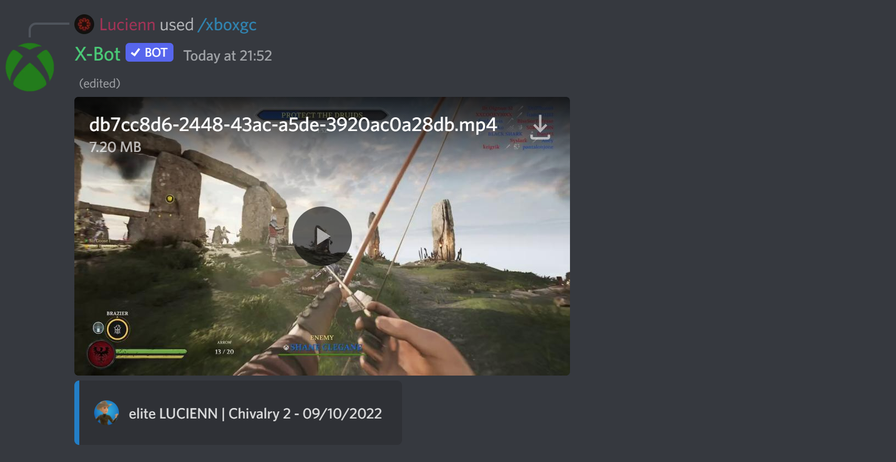
/xboxgc - Share your latest gameclips and even download them to a channel
/xboxss -Share your latest screenshots and upload the high resolution version to a channel
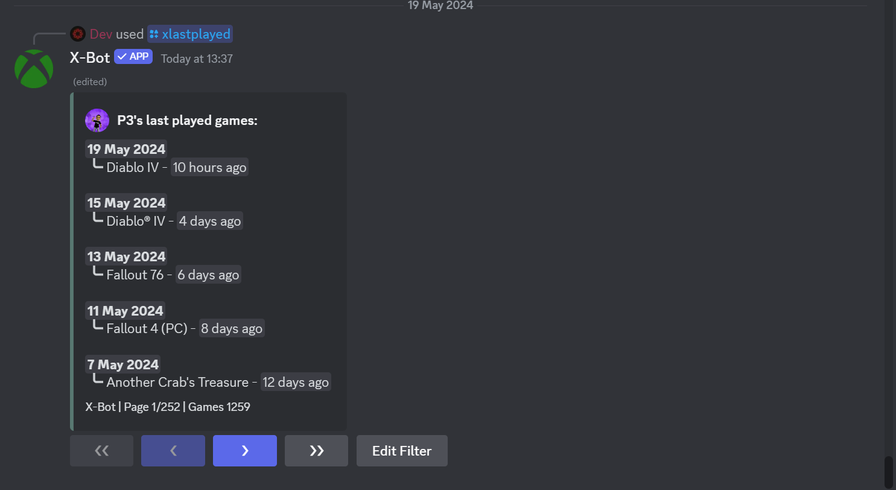
/xlastplayed - See your last played games
/xlastachieved - See you most recent achievements
/xmostplayed - View your most played games
/xplaytime - See your playtime for a specific game
/xstats - View stats for a specific game
With 30+ more commands to use!
Popular Commands
| Command | Description |
|---|---|
/xlookup | Look up an Xbox gamertag and get information about their account gamertagGamertag of the player. |
/xboxgc | Allows you to browse/download your own or somebody else's uploaded Xbox gameclips with ease gamertagGamertag of the player. gameName of the game you want to see clips for |
/xmostplayed | Generates a list displaying all the games you've played and how long for gamertagGamertag of the player. |
/xgamerpic | Displays your xbox gamerpic gamertagGamertag of the player. |
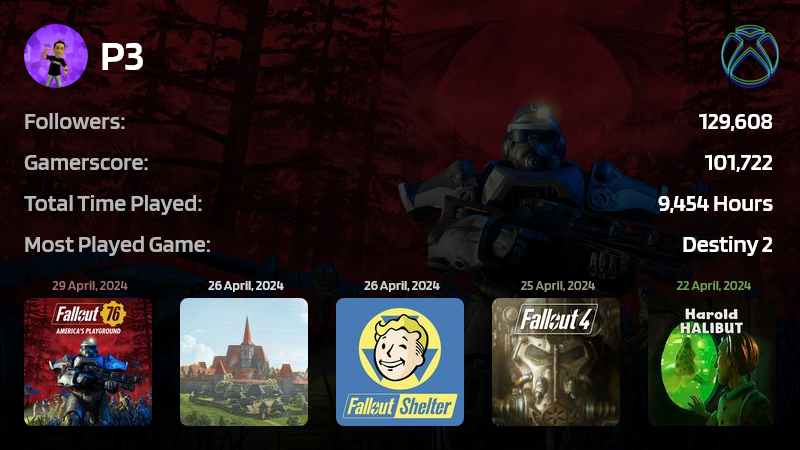
/xgamercard | Creates your very own xbox gamercard gamertagGamertag of the player. |
Categories
Tags
Monetization
Languages
Similar Bots
Other entertainment bots you might like






Popular on UpBot
Trending bots in our directory