
Media Gallery
About Twitter
Commands
• /help - which gives you information about all the commands and some information about the bot.
Simulate Channel Commands
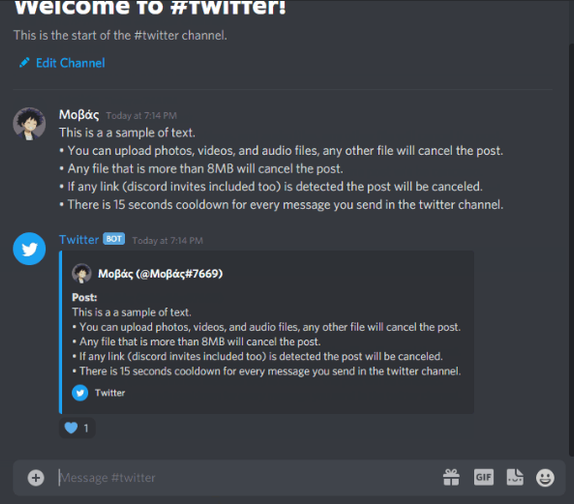
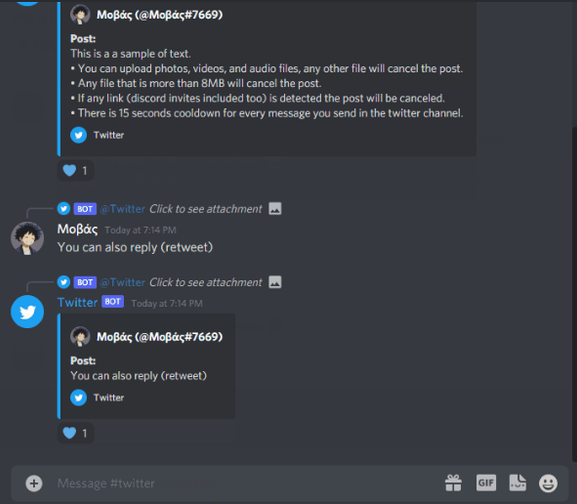
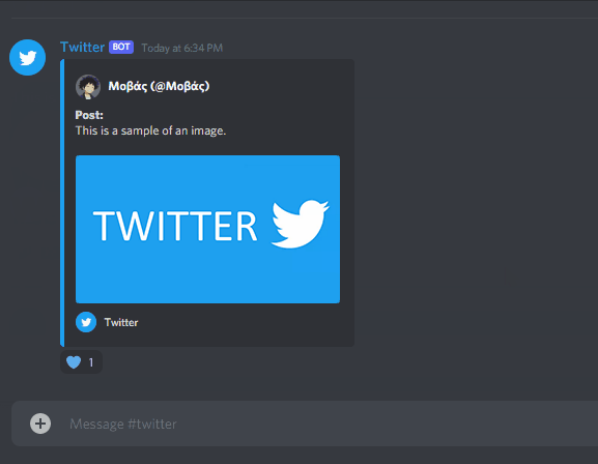
• /set-simulator-channel [#channel] - This command sets the channel that you want to set up as your simulator twitter channel.
• /set-profile - Set your profile for the simulator tweets
• /roletag - Set a role as a tag, each tag will appear in tweets of users having the role(s) that have been set.
Only one channel can be used as a Simulator Twitter channel.
Popular Commands
| Command | Description |
|---|---|
/help | Shows information about the bot and its commands. |
/set-simulator-channel | Sets the simulator channel of your choice. channelThe channel to set as the simulator channel. allow_links_in_tweetsChoose if you want to allow users to send links on their tweet. allow_discord_invites_in_tweetsChoose if you want to allow users to send discord invite links on their tweet. |
/reset-profile | Resets your profile for the simulator channel. |
/share-tweet | Make the bot send a URL from x.com or twitter.com tweet_urlThe URL of a tweet to send channelThe channel to send the message in |
/set-profile | Sets your profile for the simulator channel. display_nameThe display name you want to use in the simulator channel. usernameThe username you want to use in the simulator channel. profile_picture_url(Optional) The URL of the profile picture you want to use in the simulator channel. |
Categories
Tags
Monetization
Languages
Links
Similar Bots
Other social bots you might like






Popular on UpBot
Trending bots in our directory