
Booster Bot
86,800 serversMedia Gallery
Image
Image
Image
About Booster Bot
Getting Started
Setup is quite simple. You can start with bb help or bb guide command to get step by step instructions.
Mainly there are 3 things in setup
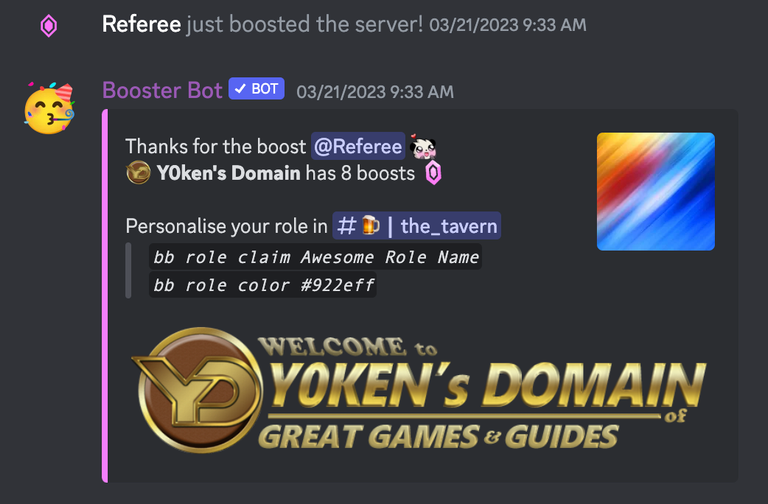
- Make sure your System Channel is selected & Send Message on Server Boost is enabled (server settings -> overview)
bb help setup: For prefix, bot-manager, auto-role on boost & allowing boosters for personal role.bb help greet: For thankyou message, channel, image, embeds and other customizations.
Please set log-channel (
bb setup log-channel #logs), greet channel (bb greet channel #boosts), System Channel and make sure bot has all perms in respective channels for proper functioning.
Commonly used commands
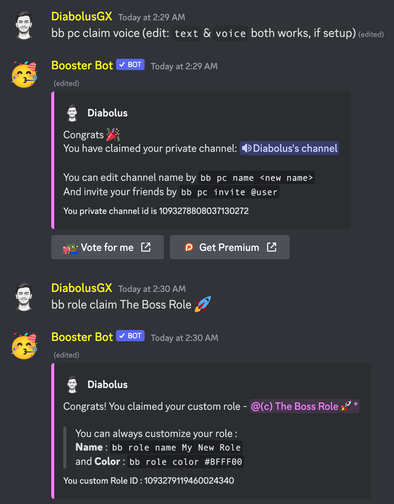
bb role: To claim custom role for server boosters OR members with special role (like VIPs, Patrons etc)bb lvlrole: Level roles for boosters (ex - Double Booster role for members with 2x boosts)bb prsorbb pcs: Allow non-boosters or boosters to claim private role or private channels.bb giftorbb pc invite: Share your private role or private channel with friends.
Rest all features can be found in docs: https://docs.boosterbot.xyz/
Please reach out to us in support server for any suggestions or reporting any issues: https://discord.gg/8kdx63YsDf
Popular Commands
| Command | Description |
|---|---|
/custom | Custom Role Commands roleCustom roles for boosters and non-boosters |
/setup | Server Setup Commands autoSet up automatic booster perks in the server boostSet up what happens when someone boosts the server customSet up custom roles boosters can claim logSet up where the bot logs what happens in the server managerSet up who can manage the bot in this server privateSet up private channels boosters can claim |
/booster | Booster Commands infoShows user's Boost information |
/age | Boost Age Commands roleRoles given to boosters based on how long they have been boosting |
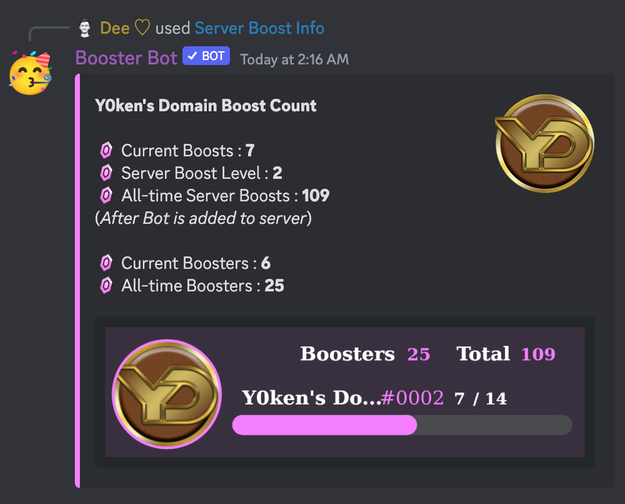
/boost | Server Boost Commands addAdd boosts to a user countShows total boosts and boost level of server perksView every booster perk that is set up in this server and how to use them removeRemove boosts from a user level-roleRoles given to boosters once they reach a certain number of boosts |
Categories
Tags
boostgreetloggingrewardstrack
Monetization
Languages
American English
Similar Bots
Other social bots you might like






Popular on UpBot
Trending bots in our directory