
Media Gallery
About Vibe
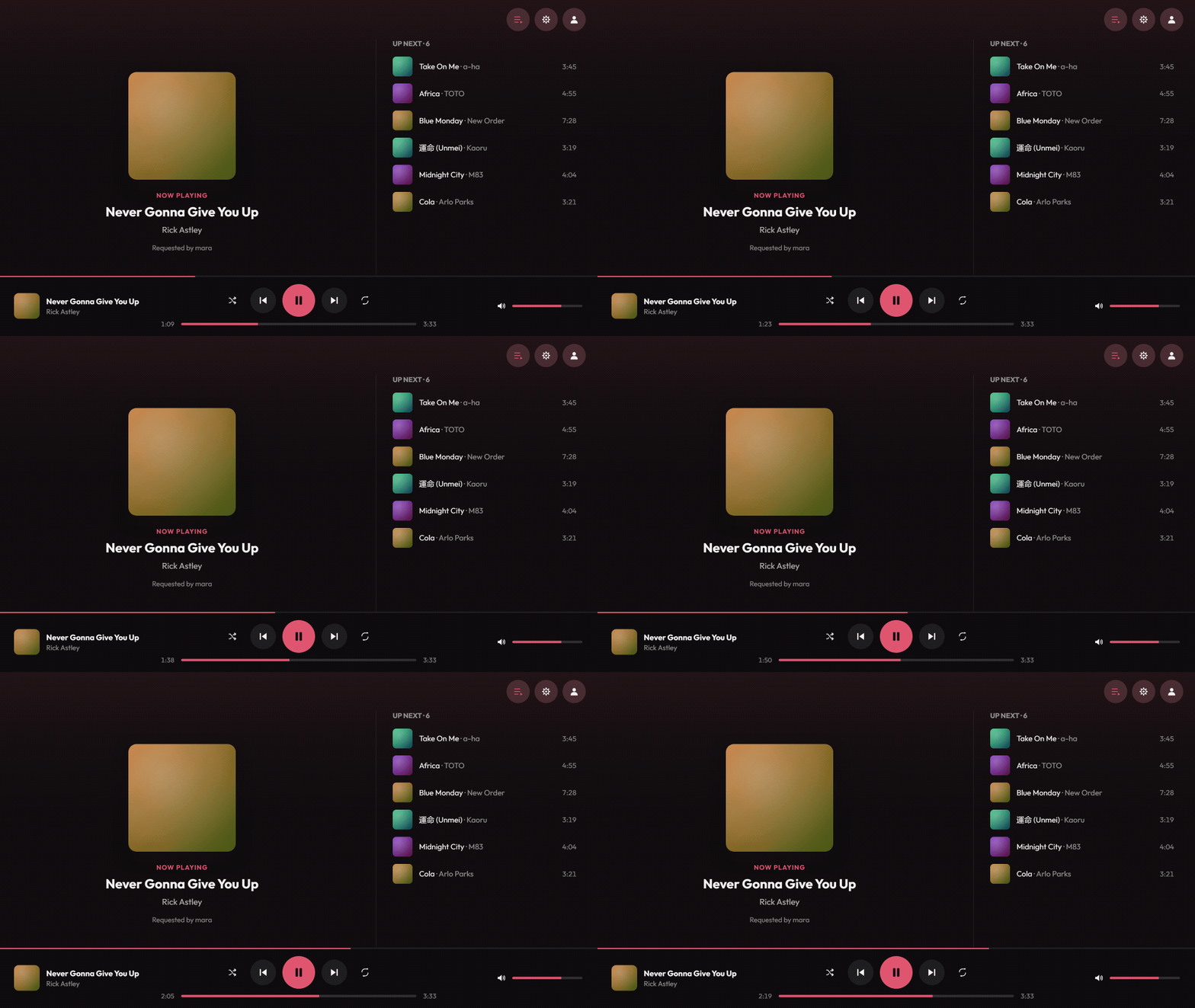
Vibe plays music in your Discord voice channels, and /watch opens a real player inside Discord: album art, a seek bar you can drag, and the whole queue, in sync for everyone in the room.
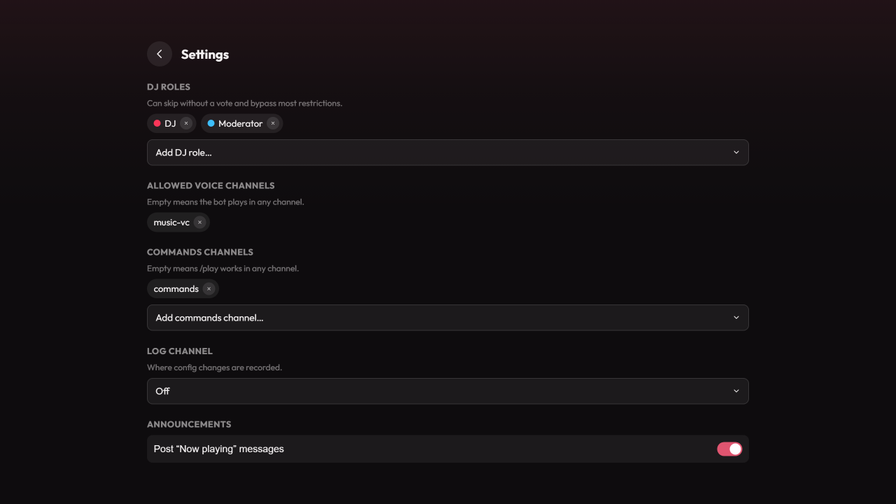
Paste a link, search by name, or queue a playlist. Vibe pulls from several music sources and retries against the others when one fails, so a dead track usually sorts itself out before you notice. DJ roles, vote-to-skip and channel limits apply inside the player as well as in chat.
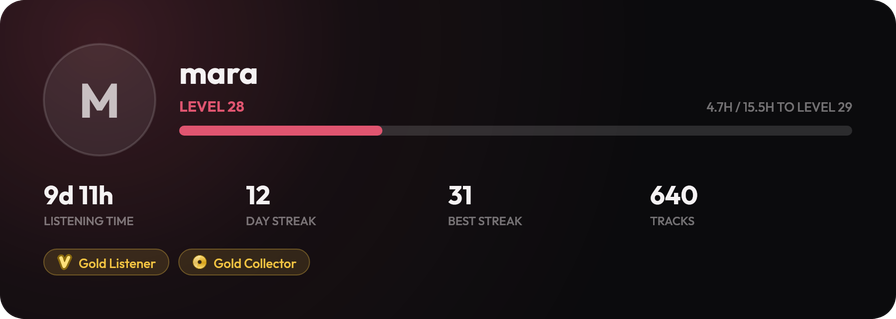
Listening time, streaks, levels and badges follow you across every server you use Vibe in. Find every command under /help. Free to use, and it works the moment it joins.
Popular Commands
| Command | Description |
|---|---|
/skip | Skips the current track (majority vote if you're not a DJ) positionSkip directly to this position in the queue (DJ only) |
/stop | Stops the music and clears the queue |
/playlist | Build your own playlists, from any mix of songs addAdd a song to a playlist listSee and manage your playlists importCopy a public playlist or album link into one of your playlists openOpen a playlist someone shared with you, from its code joinEdit a playlist together with someone, from the code they gave you showManagers: post one of this server's playlists here, for everyone to read |
/play | Adds a song to the queue inputThe search term or a link |
/watch | Open the Vibe Activity to see and control the queue together |
Categories
Tags
Monetization
Languages
Links
Similar Bots
Other social bots you might like






Popular on UpBot
Trending bots in our directory