
Media Gallery
About Builderman
Overview
Builderman is an extremely powerful, simple, easy-to-use Discord bot designed to be the only tool one should need to manage submitted suggestions and/or bug reports from users within their Discord server.
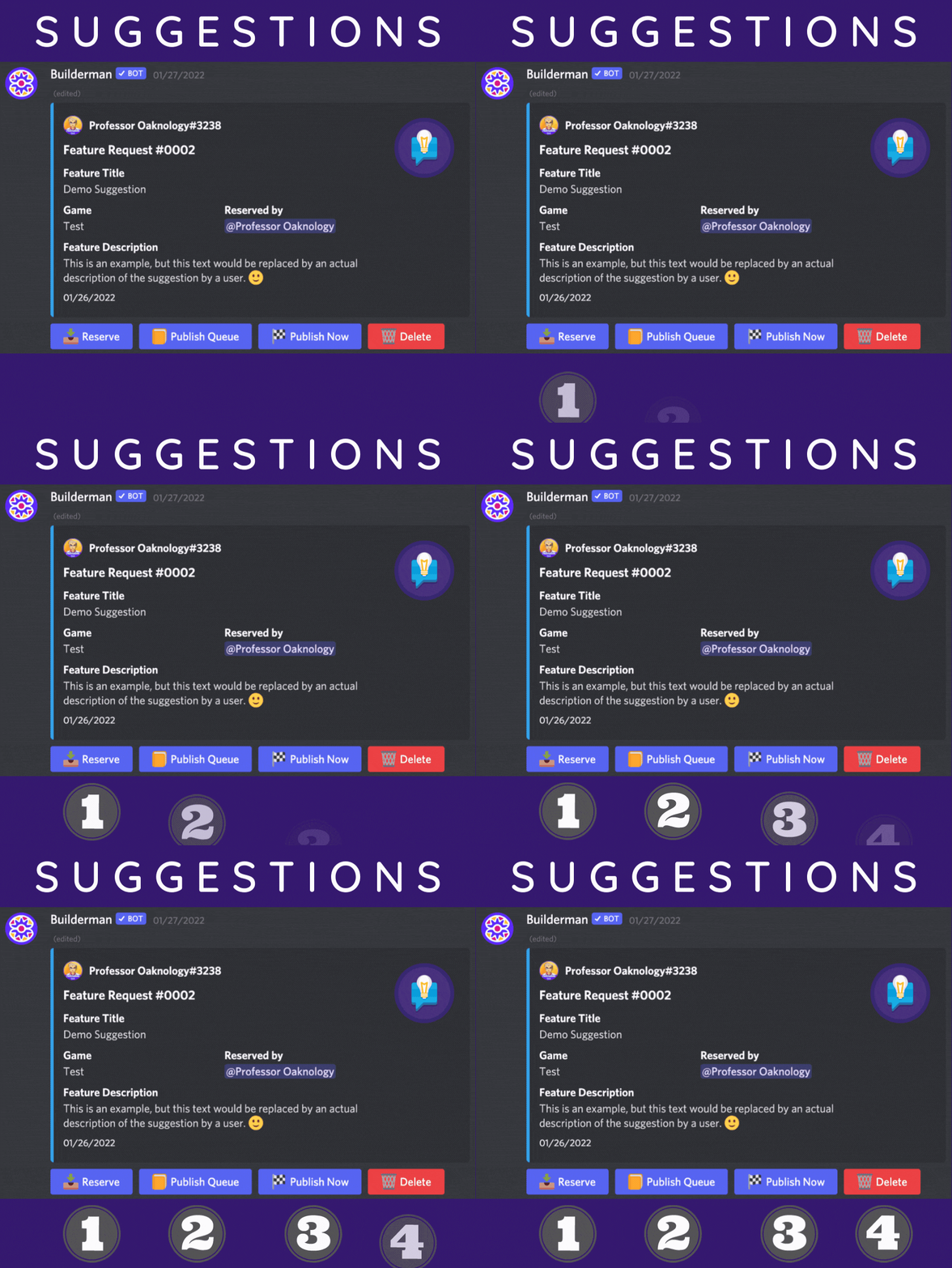
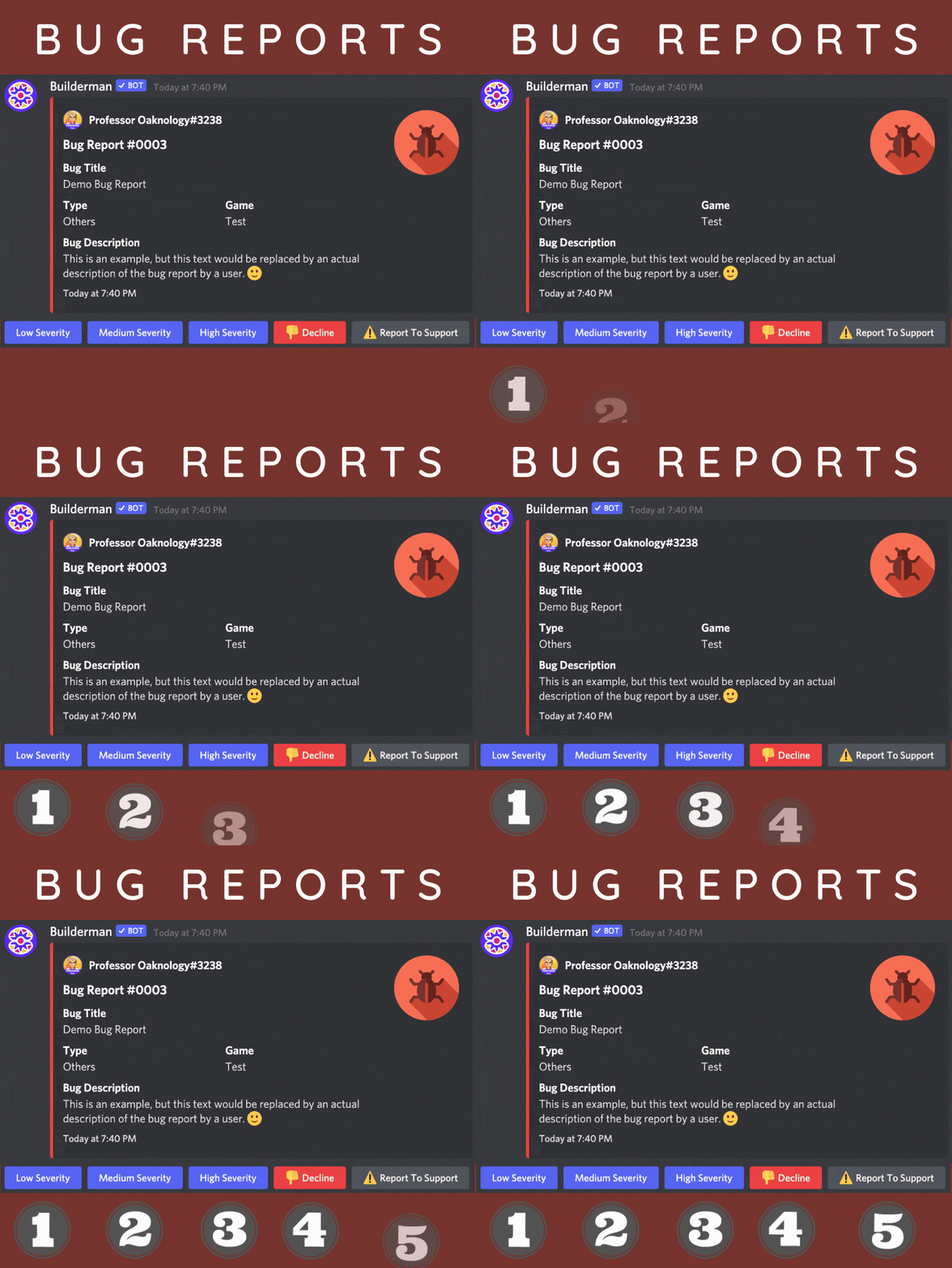
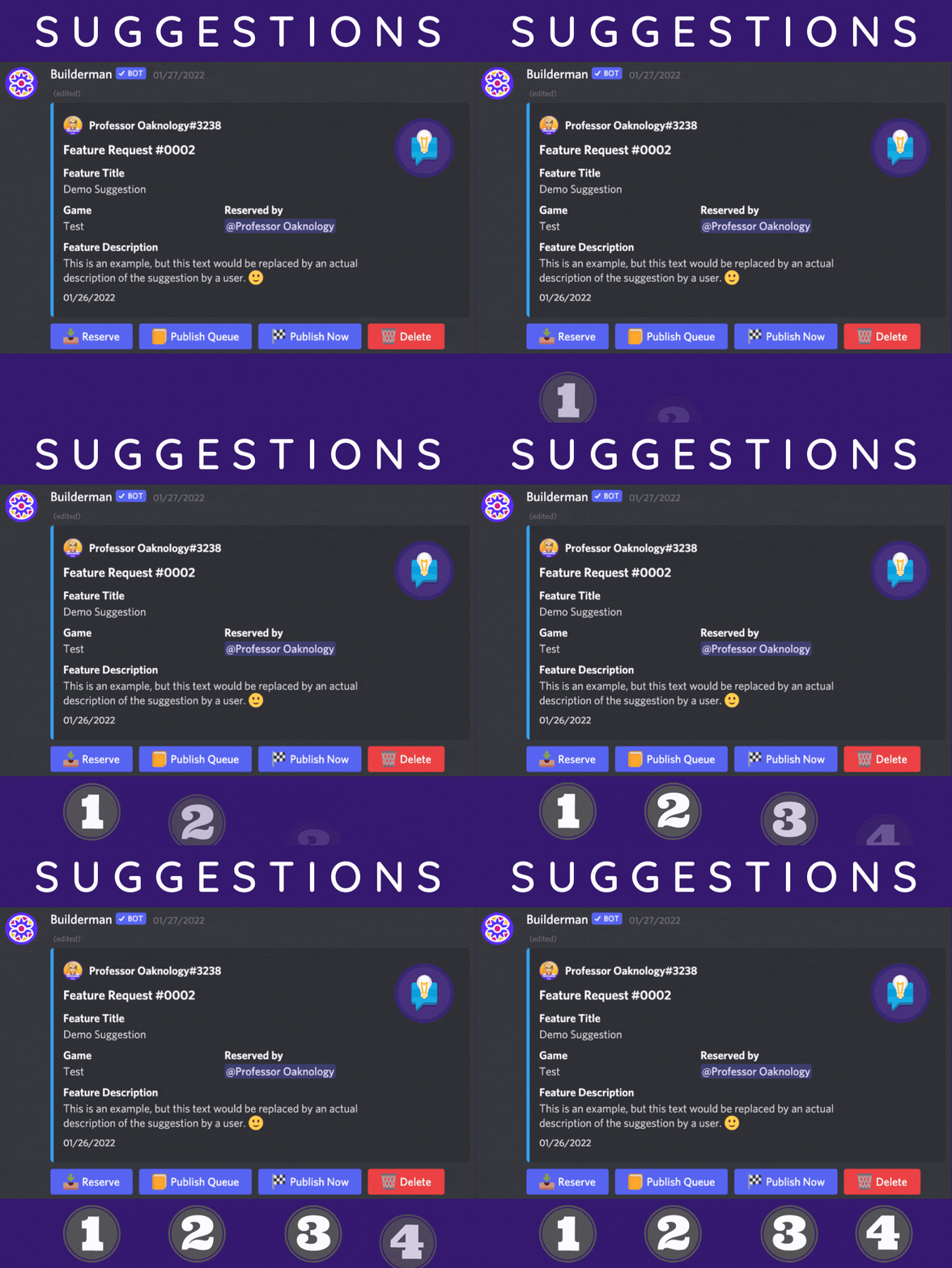
Aside from allowing users within a Discord server to submit bugs and/or suggestions of your various games (otherwise known as projects), Builderman makes organising those bug reports and suggestions a breeze!
From the ability to approve or deny submitted bug reports and/or suggestions, to be able to reserve them to begin development and more, Builderman is here to make it easy for both game (project) developers and users of those games (projects) to identify problems, fix problems and add new features within them.
Configuration & Setup
After inviting the Builderman bot into your Discord server, you'll need to configure some settings of Builderman to your needs.
Set Discord Channels
You will need to create channels within your server that will aid in the functionality of Builderman. Create channels that correspond to the following commands listed below.
/holding-channel - Sets the default channel that will hold submitted bug reports and suggestions
/todo-channel - sets the default channel that will hold approved bug reports or suggestions to be worked on.
/poll-channel - Sets the default channel that will send submitted suggestions that are opened for public voting.
/update-channel - Set the default channel to which Builderman will post all updates.
/status-embed - Sets the default channel where the "status-embed" will be sent to that informs of bugs/suggestions awaiting assignment, currently being worked on, or awaiting publishment to the update channel.
Set Administrative Roles
You will need to create roles within your server for users that Builderman will use to grant administrative permissions for your development team to interact with the bot. Create the roles in your Discord server that correspond to the following commands listed below. In the future, if you only want to check what you configured these too, just run the command without the role variable attached to them.
/manager-role - Sets the role that Builderman will check if users possess to manage ALL aspects of the bot.
/approver-role - Sets the role that Builderman will check if users possess to approve/decline submitted bug reports and suggestions.
/dev-role - Sets the role that Builderman will check if users possess to work on approved bug reports or suggestions, as well as reserve them
Set Game (Project) Settings
Within Builderman, your projects are referred to as "Games" and are the topics in which members within your server can submit bug reports or suggestions that pertain to them.
/add-game - Add's a Project to the Database, that members can choose
/scope - Shows what the Member has an option for the category of the bug report
More Information
You can find more information on our Documentation Page.
Popular Commands
| Command | Description |
|---|---|
/report | Let's you create a bug report |
/holding-channel | Sets the head-development channel (or Displays current holding channel if none provided) channelThe channel to be set as holding channel (optional). |
/publish | Allows you to publish a game. gameUnique name of the game. versionVersion for the update. channelChannel to publish the game in (sends to default channel if none provided). |
/todo-channel | Sets the todo channel (or Displays current todo-channel if none provided) channelThe channel to be set as todo-channel (optional). |
/suggest | Let's you make a suggestion |
Support Server

Categories
Tags
Monetization
Languages
Similar Bots
Other moderation and tools bots you might like






Popular on UpBot
Trending bots in our directory