
Betty Chan
1,580 serversMedia Gallery
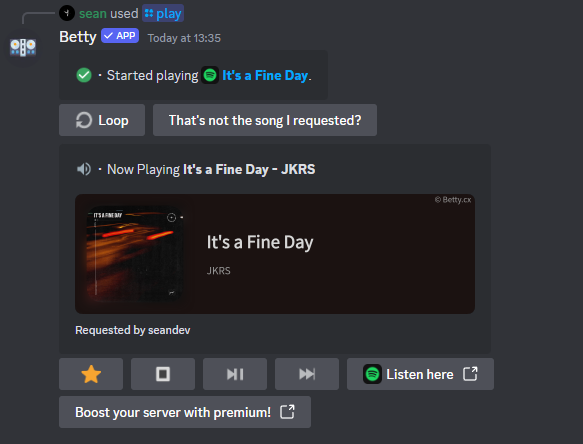
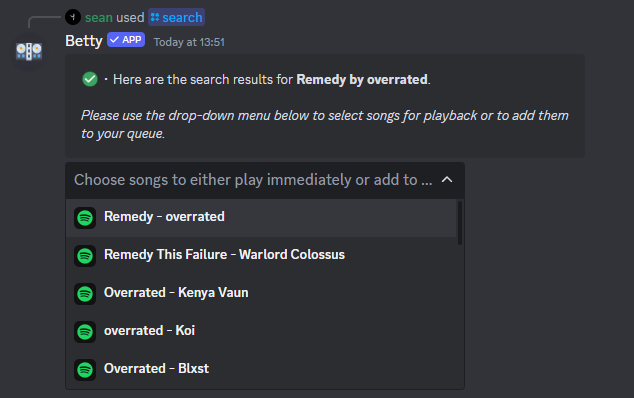
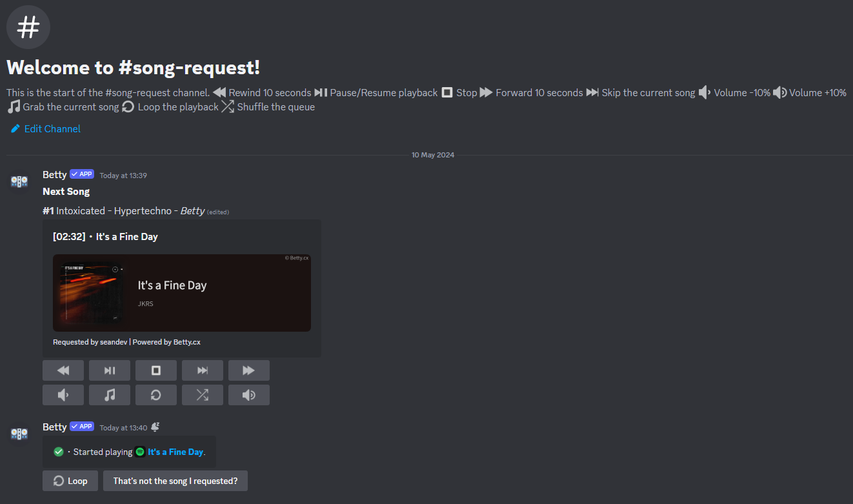
About Betty Chan
Welcome to Betty!
Betty is the perfect match for either directly starting and playing music or setting up an advance Discord Music bot.
Simple and direct.
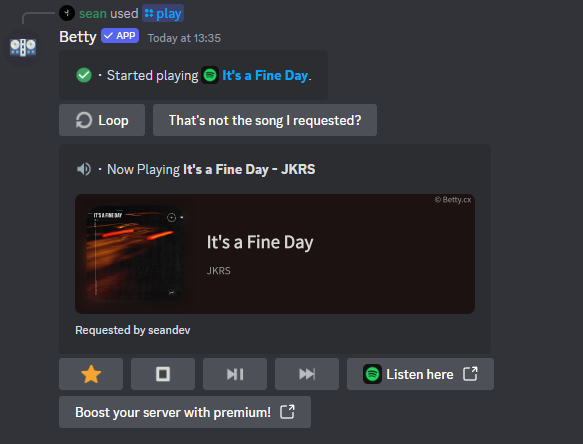
Or advance and epic.
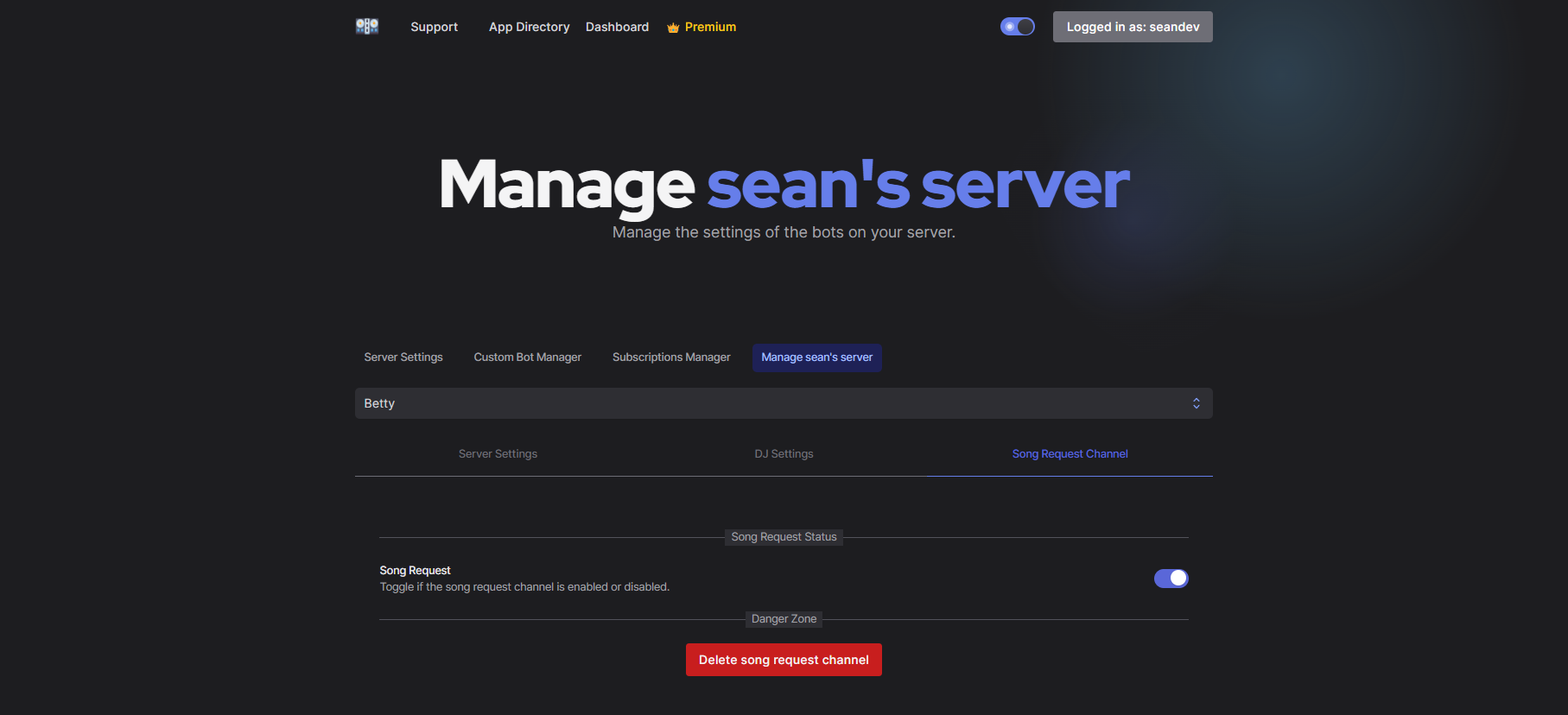
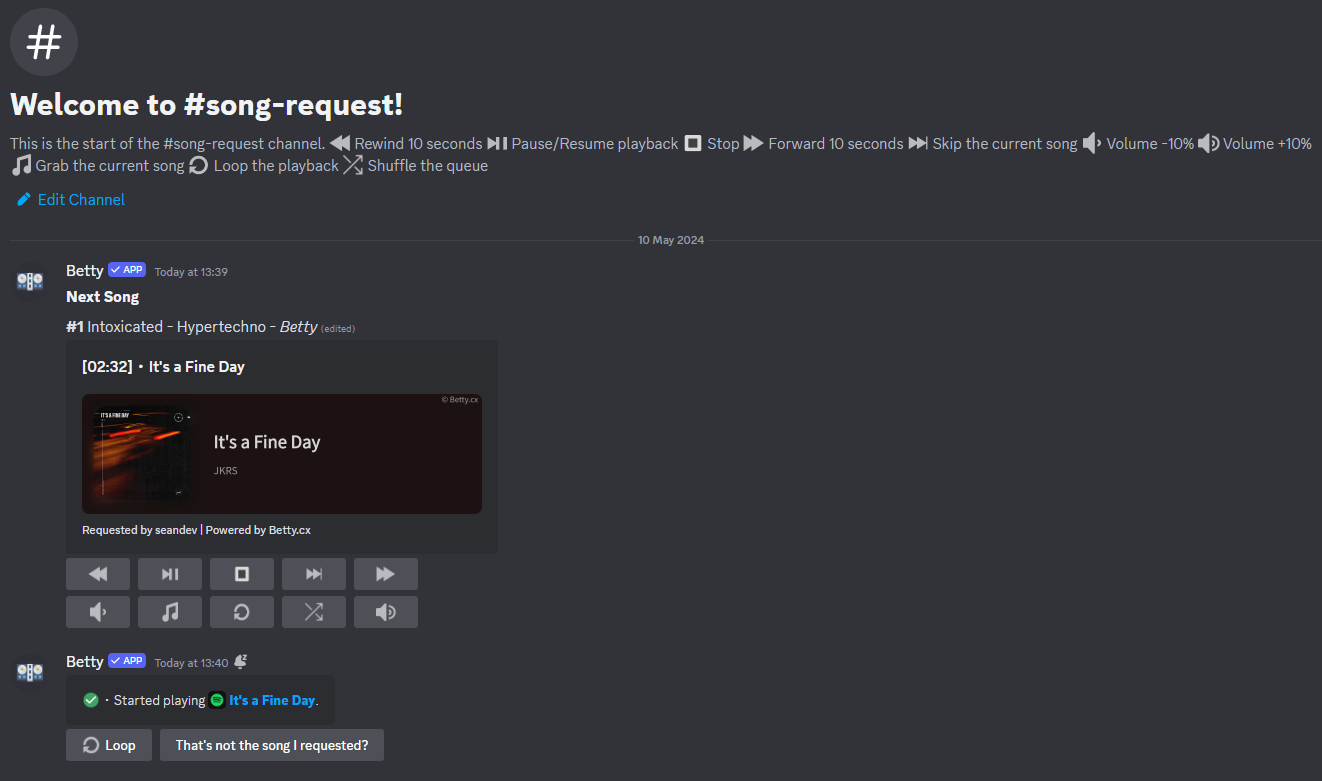
Betty accepts links from Spotify, Tidal, Apple Music, Amazon Music, Napster, SunoAI, Bandcamp, Pandora, Deezer and SoundCloud.
The bot also accepts YouTube Links, but only if the song is available on other platforms.
Here's how to get started:
1️⃣ Invite Betty: Click https://betty.cx/invite to invite Betty to your Discord server.
2️⃣ Start playing music.: Use the command /play followed by your query or link to add a song to the queue.
3️⃣ Enjoy the Music: Betty will handle the rest! Sit back, relax, and enjoy the exhilarating music.
4️⃣ Set up the bot: (Optional) You can set up the bot and player settings on https://betty.cx/dash.
Popular Commands
| Command | Description |
|---|---|
/play | Play a song or add it to the queue by link or name. queryYour query to search for a song or a link to a song. nowSelect if you want to play the song directly or add it to the queue. nextSelect if you want to play as next song in the queue. platformSelect the platform where you want to search from. |
/join | Join the voice channel you are in. |
/stop | Stop the player and clear the queue. |
/skip | Skip the current or more song(s). skip-toThe number of songs to skip. (Vote skip does not support this!) |
/disconnect | Disconnect from the voice channel. |
Categories
Tags
Monetization
Languages
Similar Bots
Other social bots you might like






Popular on UpBot
Trending bots in our directory