Media Gallery
Image
Image
About Eres ✨
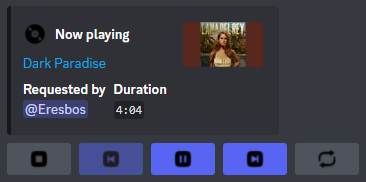
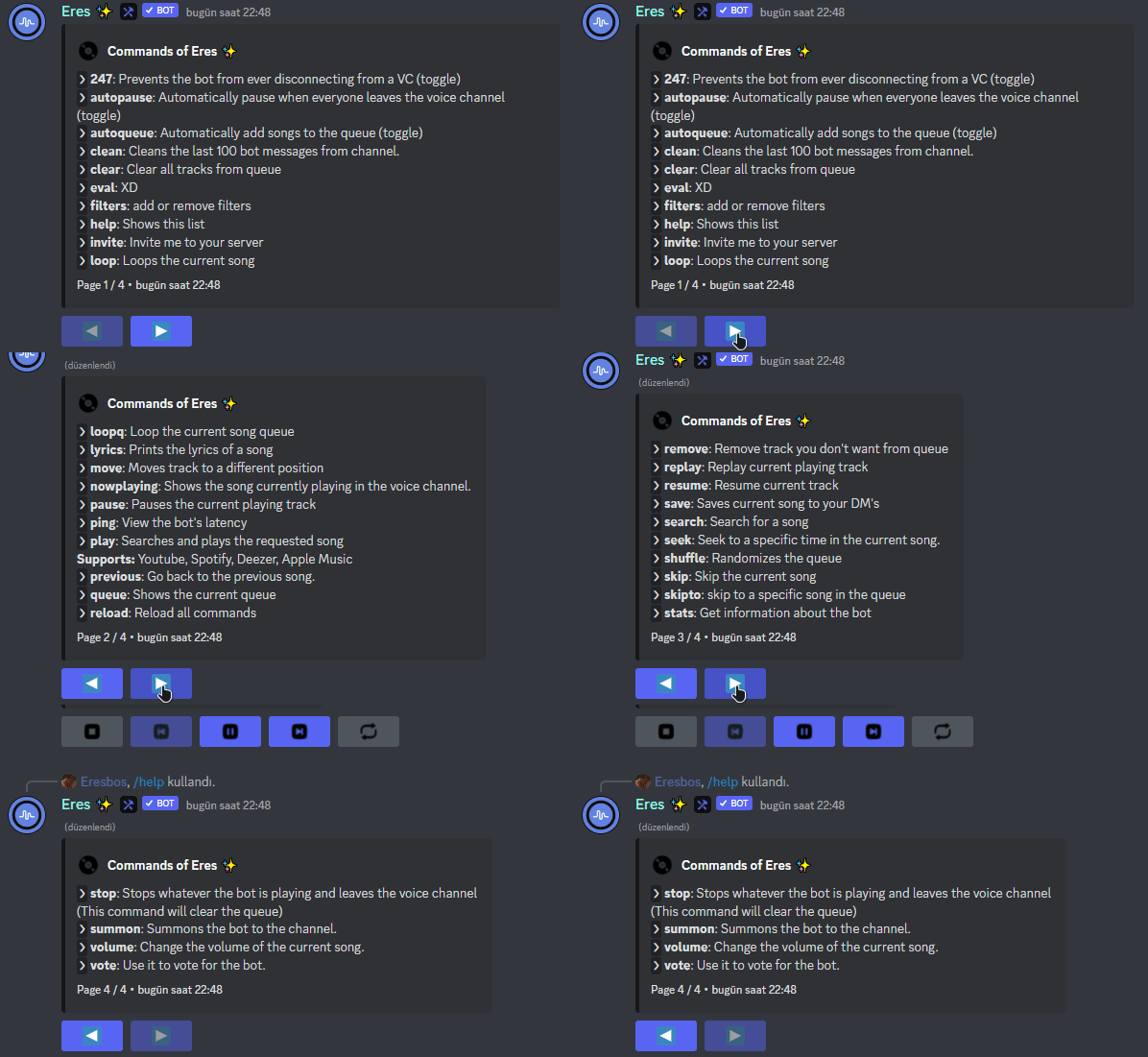
I have been produced to give you the highest musical taste. It is enough to type /help to access all my commands. But if you do not want to deal with them and want to experience this pleasure immediately, it is enough to write /play. As my suggestion, you can add fun to your entertainment with beautiful effects by using the /filters command.
✨ Some of my Features:
- Aesthetic and unique user experience and interface.
- Always there waiting for you, 24/7!
- Supports stage channels and slash (/) commands.
- Plays high quality audio.
- 99.9% uptime.
- A lag-free experience.
- Useful and unique commands.
- Constantly updated and improved.
- You don't need to leave Discord to listen to Eres!
- Invite Eres now and hop in a voice channel with your friends.
✨ Some of my Commands:
- /help | Lets you view the command list.
- /play | You can use it to listen to quality.
- /filters | You can use it to add quality to your quality.
- /loop | Used to replay the current song.
- /lyrics | It helps you to give a concert by looking at the lyrics of the song you are listening to.
- /skip | You can use it to skip the music you don't like.
- /volume | You can use it to adjust the sound of the bot.
- /stats | You can see statistics about me.
- /vote | You can support me and gain extra command access by voting for me.
Popular Commands
| Command | Description |
|---|---|
/stats | Displays detailed statistics of the bot. |
/play | Play a song or playlist querySong to play (URL or search query) |
Categories
Tags
musicsocial
Monetization
Languages
FrenchAmerican EnglishTurkish
Links
Similar Bots
Other social bots you might like





Popular on UpBot
Trending bots in our directory