
Ticketeer
4,210 serversMedia Gallery
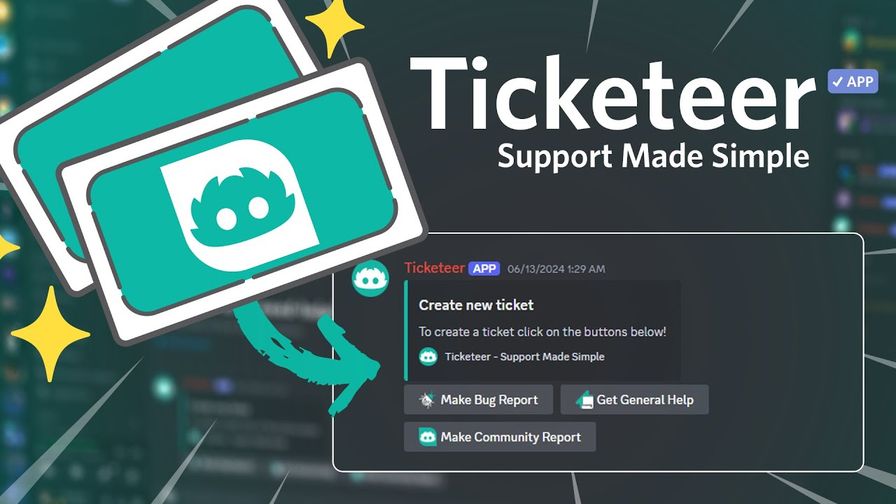
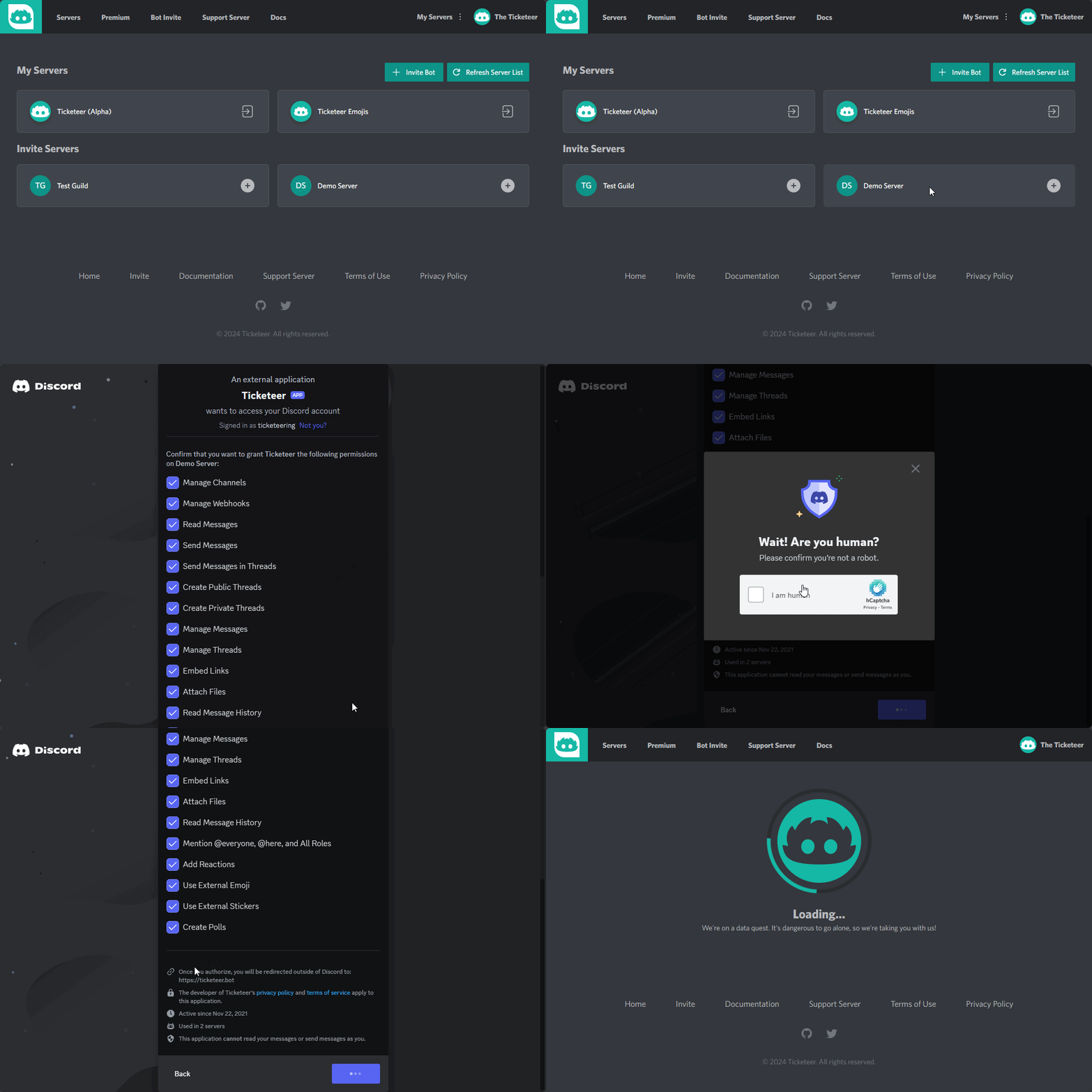
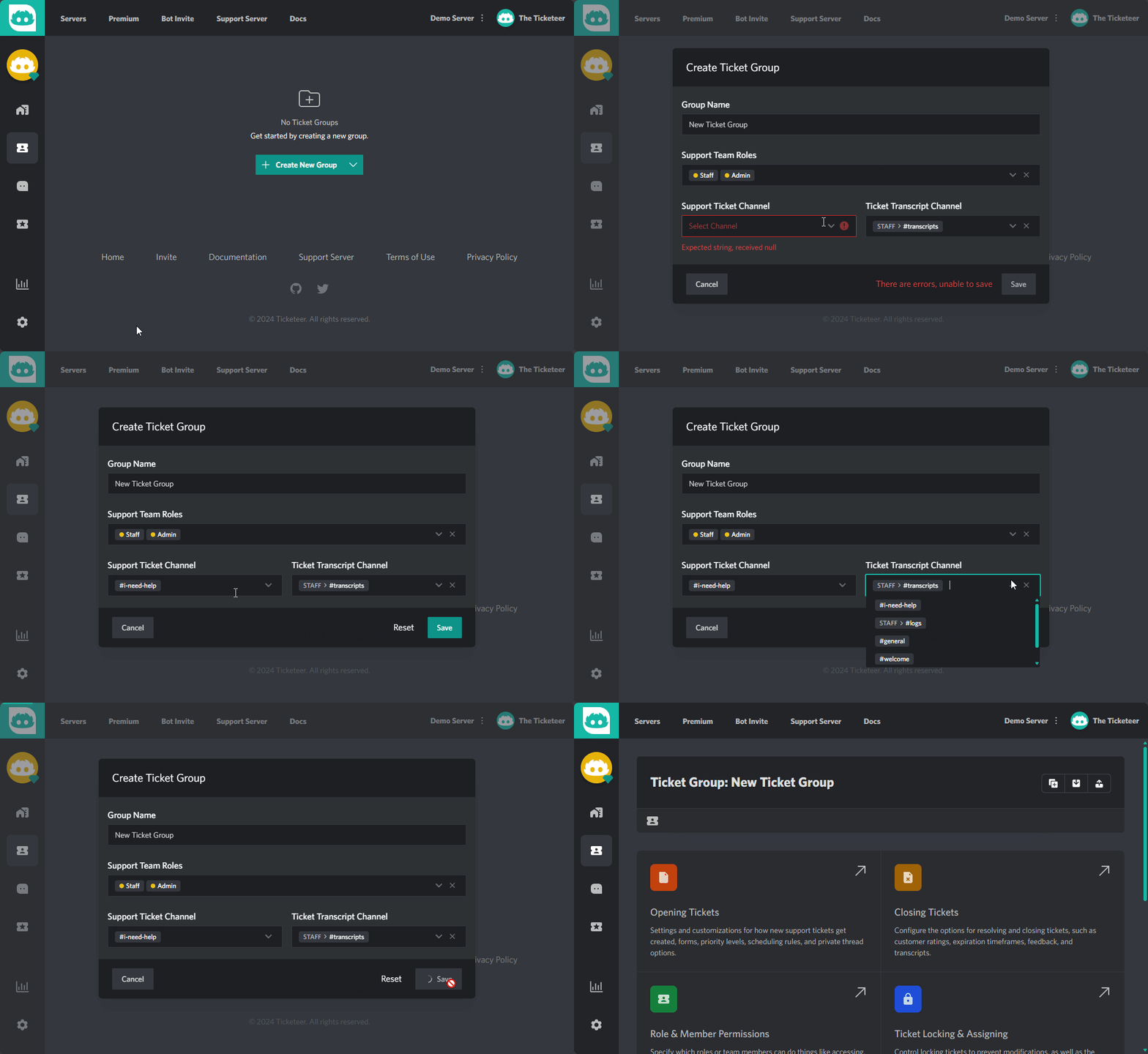
About Ticketeer

Ticketeer is the all-in-one support system built for Discord. Whether you're running a community of 50 or 50,000, Ticketeer gives your staff the tools to handle every request quickly, professionally, and without the chaos.
Set up in minutes with /setup — no coding, no complicated configs.

Fully Customizable Messages
Every embed, button, and response can be tailored to match your server's brand. Use our visual editor to design exactly the experience you want — no guesswork, no placeholder text.
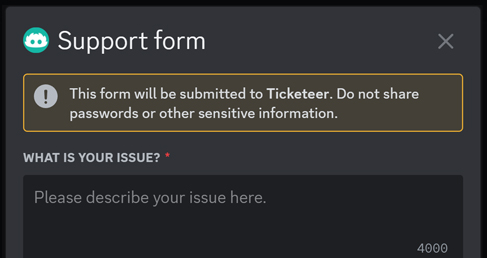
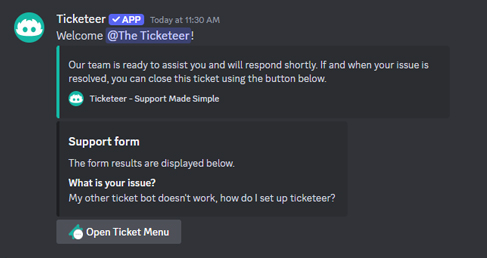
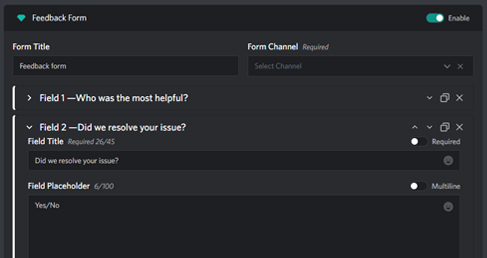
Ticket Forms
Collect the right information before a ticket even opens. Build custom forms with text inputs, dropdowns, and required fields so your staff never has to ask "what's your issue?" again.
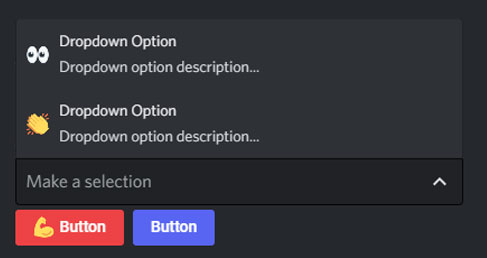
Panels with Buttons & Dropdowns
Create beautiful ticket panels with interactive buttons and dropdown menus. Let users pick their issue type, department, or priority — all from a single message in any channel.
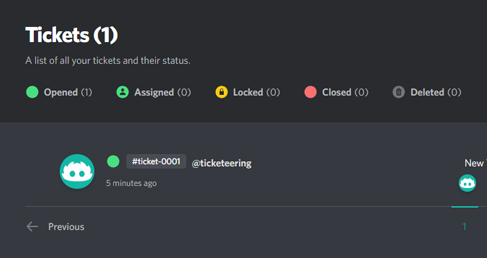
Ticket Transcripts
Every conversation is automatically saved. Browse, search, and download full HTML transcripts from the dashboard — perfect for training, auditing, or resolving disputes.
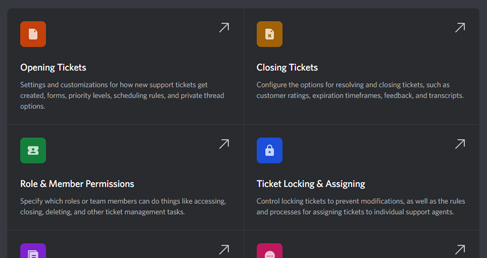
Visual Message Editor
Design rich embeds with a drag-and-drop editor. Add fields, images, colors, and buttons without touching a line of JSON. What you see is what your users get.
Feedback & Ratings
Automatically prompt users to rate their experience after a ticket closes. Track satisfaction over time and identify where your team excels — or where they need help.
Thread, Channel & Forum Tickets Pick the format that fits. Private threads for quick questions, dedicated channels for complex issues, or public forum threads for community-driven support.
Ticket Automations (Premium) Auto-close stale tickets, auto-respond on creation, route tickets by category, and trigger actions on keywords. Let the bot handle the repetitive work.
Ticket Priorities Mark tickets as low, medium, high, or urgent. Your team always knows what to tackle first.
Ticket Claiming & Assigning Staff can claim open tickets or get assigned directly. No more duplicate replies or tickets slipping through the cracks.
Ticket Locking Pause a conversation without closing it. Lock tickets to prevent further replies while you investigate.
Activity Logs Full audit trail for every ticket — who opened it, who replied, who closed it, and when. Complete transparency for your team.
Availability Schedule (Premium) Restrict ticket creation to your support hours. Users see a clear message when your team is offline.
Ticket Expiration (Premium) Automatically close tickets after a set period of inactivity. Keep your queue clean without lifting a finger.
Notes Thread (Premium) Private staff-only threads attached to channel tickets. Discuss a case internally without the user seeing a thing.
Webhooks & API (Premium) Push ticket events to external services or build your own integrations with our REST API. Connect Ticketeer to your existing workflow.
Custom Limits & Permissions Control how many tickets a user can open, how many each group allows, and who has access to what — all from the dashboard.

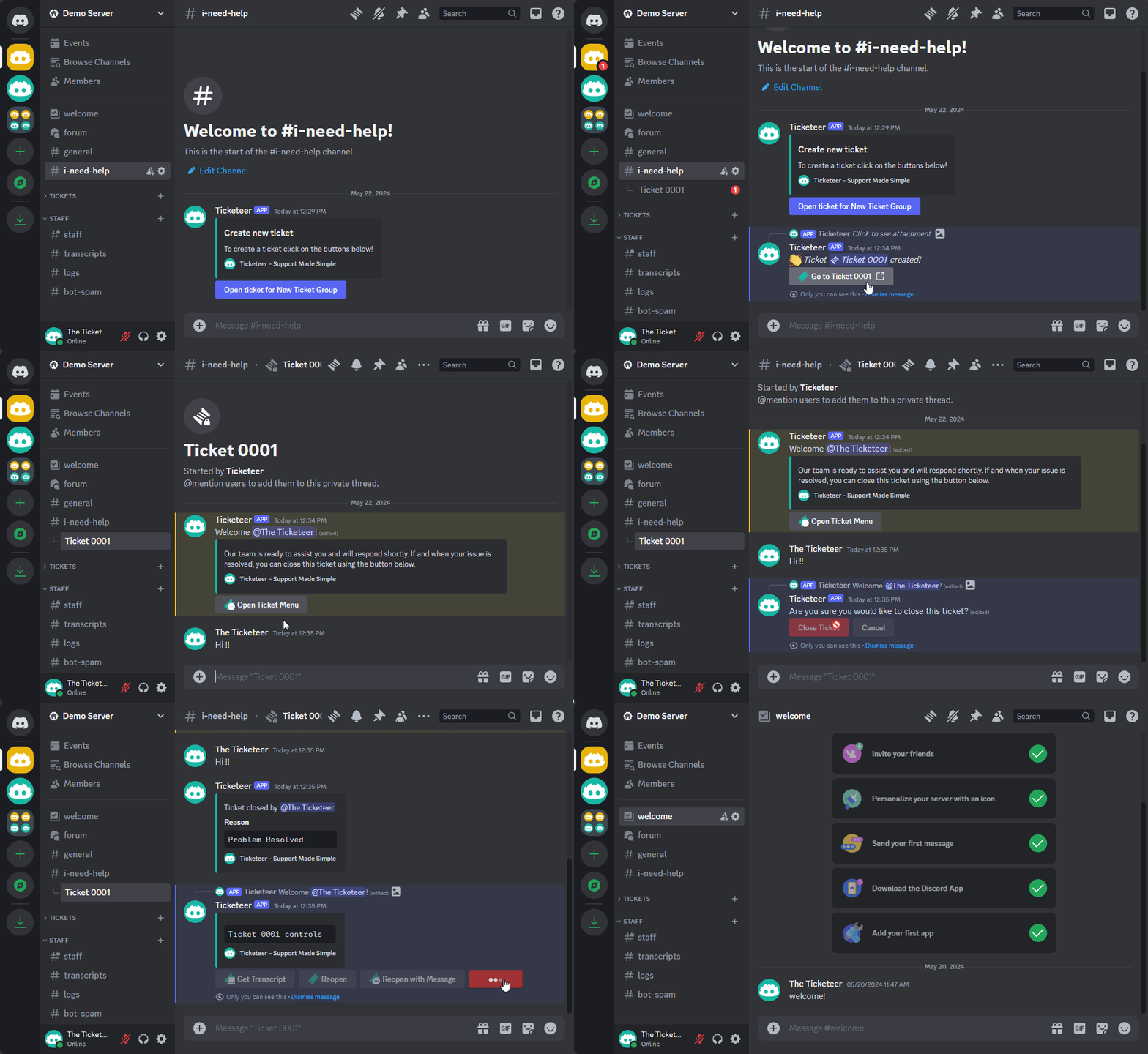

1. Invite Ticketeer to your server
2. Run /setup to create your first ticket group
3. Customize your messages, forms, and panels from the dashboard
Need more? Check the documentation for the full setup guide.

Questions? Join our support server — we're happy to help.
Popular Commands
| Command | Description |
|---|---|
/add | Add user to current ticket userUser to add |
/claim | Claim (assign) current ticket for your self |
/delete | Close and delete current ticket reasonReason for closing ticket timeTime in seconds to expire ticket |
/close | Close current ticket reasonReason for closing ticket |
/save | Save a transcript of a ticket |
Categories
Tags
Monetization
Languages
Similar Bots
Other moderation and tools bots you might like






Popular on UpBot
Trending bots in our directory