
Media Gallery
About Watcher
THE BEST monitoring Bot 100% free!
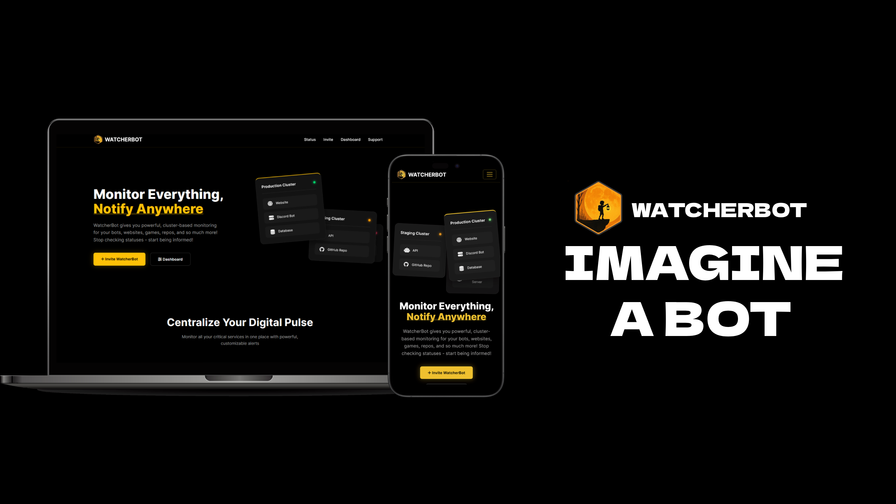
Realtime monitoring for bots, websites, APIs, games, and repositories. Receive customizable alerts via Discord, email, webhooks, and more!
So what does the bot do?
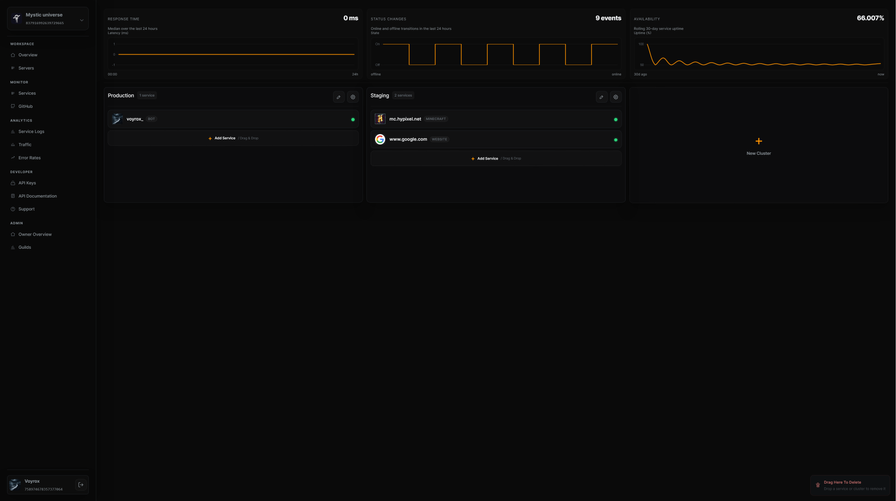
🛰️ Keeps an eye on your Discord bots, websites, APIs, GitHub repos, and Minecraft servers – all from one clean dashboard.
⛓️💥 If something breaks, lags, or goes offline, Watcher pings you before your users start yelling.
🔍 Core Monitoring
✅ Uptime & Latency
- Track response times & status codes
- See when things went down, for how long, and when they recovered
🤖 Discord Bot Status
- Detects when your bot silently dies or disconnects
- Sends detailed incident reports straight into your Discord server
🌐 Websites & APIs
- HTTP status, response time, and outage detection
- 504s, 500s, 404s – you’ll know exactly what happened
💾 GitHub Activity
- New commits, PRs, issues, and releases
- Keep your team in sync with real-time repo updates
⛏️ Minecraft Server Monitoring
- Online/offline status, player counts, MOTD & version info
- Perfect for network owners & community servers
🎛️ Alerts Your Way
🔔 Alert Channels
- 📩 Discord DMs & channel alerts
- ✉️ Email notifications
- 🌐 Webhooks for custom integrations
🧩 Custom Rules
- Choose which events trigger alerts
- Separate channels for bots, websites, and infra
- Noise-free monitoring – only see what you care about
🧊 Why WatcherBot?
- 🧠 Smart, not spammy – meaningful alerts, not a flood of pings
- 📊 Sleek dashboard – everything in one place
- ⚙️ Made for developers – clear logs, status codes, and timings
- 🛡️ Perfect for bots, communities, and studios
🚀 Getting Started
- Invite WatcherBot to your server
- Open the Dashboard
- Add your bot, website, API, GitHub repo, or Minecraft server
- Configure alert channels & rules
- Sit back – WatcherBot will shout when something breaks 😈
Popular Commands
| Command | Description |
|---|---|
/dashboard | Shows a link to the Watcher dashboard for this server. |
/add | Add a Minecraft server, bot or website to monitor typeResource type |
/channel | Link a Discord channel to one of your clusters |
/list | Display monitored services grouped by cluster |
/help | Displays the help menu. |
Categories
Tags
Monetization
Languages
Similar Bots
Other games bots you might like






Popular on UpBot
Trending bots in our directory