CountryBot
2,790 serversMedia Gallery
About CountryBot
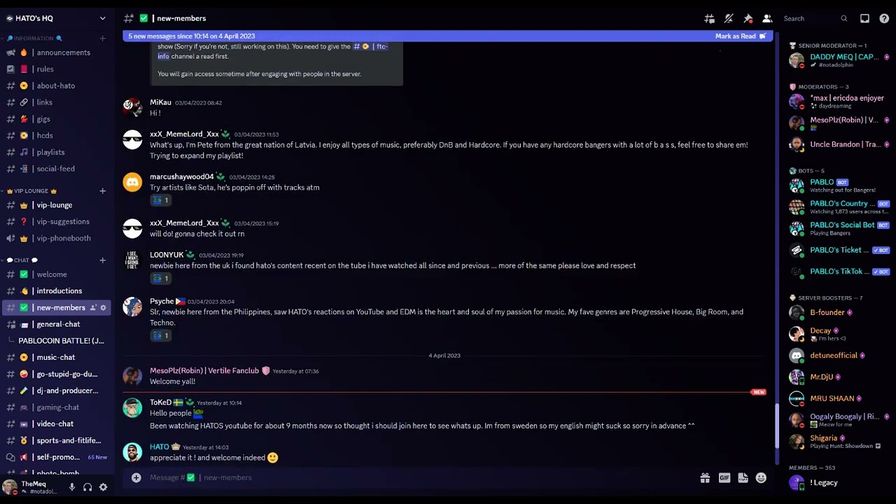
CountryBot is a bot that allows your users to set a country role within your Discord guild. The roles are created dynamically and as required, if the role is no longer needed, it is removed. If your guild is boosted, the countries flag will also be set as the roles icon so it displays next to users names in your chat.
This bot will not attempt to create a role if your guild has reached it’s role cap (about 250 roles).
The commands are as follows:
/help - Shows a message on what commands are available to use.
/choose - This command would be run by a server operator. Shows an easier to use message that allows users to select a country/region from what letter it starts with, it will then ask the user which country from that letter. This is the preferred option for ease of use and doesn’t require typing any commands once the message is available to users.
/set <countryCode> - Sets the user to the role based on the country code.
/search <country> - Not sure what your countries code is? Use this to find it.
/remove - Removes the country role. If the role is not used by anyone, it is deleted.
/stats <bool> - /stats on it’s own will show the stats for your guild, /stats True will show the stats worldwide.
Admins also have:
/admin purge - This will remove all roles from the guild created by this bot and also delete any user data we have in the database.
/admin flags - If your server is boosted (tier 2 or 3), you can choose if your guild automatically adds the country flag to the role, which will appear to the right of users who are in roles that have no other icons that take priority.
/admin removeonempty <bool> - You can use this option to specify that the role should not be deleted if it's empty and no one is using it, useful for channels that permissions rely on a country role that has been created.
User Data stored is just the user id and the role id tied together so the bot can keep track of who is in which role.
Popular Commands
| Command | Description |
|---|---|
/search | Search for your country/region code. search-querysearchQuery |
/set | Set your country/region role by specifying the country/region code. country-codecountryCode |
/admin | Admin commands to configure the CountryBot purgeRemoves all the roles and data created by the bot from your server. createdirectlyaboveSpecifies what position the bot should create the new roles above. removedirectlyaboveResets the setting that specifies what position the bot should create the new roles above. overrideOverrides the bot's role system. Converts existing server roles to work with the bot. adduserOverrides the bot's role system. Converts existing server roles to work with the bot. flagsChoose whether your roles should have flags or not. This only works if your guild is server boosted. removeonemptyChoose whether your roles should be removed when the last user leaves. purgeemptyRemoves all empty CountryBot roles on the guild. |
/choose | Allows you to select your country/region role from a list. |
/help | View help information about this bot. |
Categories
Tags
Monetization
Languages
Links
Similar Bots
Other moderation and tools bots you might like





Popular on UpBot
Trending bots in our directory