
Media Gallery
About Interaction
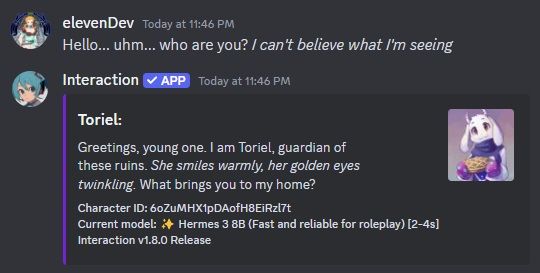
Bring Your Discord Community to Life with Interaction – An AI Roleplaying Bot
Getting Started is Super Easy:
Add to Server: One click, and Interaction joins your community.
Pick a Channel: Use /activate in your chosen roleplay channel.
Start Chatting (Make sure the bot has permissions to talk): Interaction responds as a default character (customize later!).
Why Interaction Might Be Cool:
Flexible Roleplay: Solo or group, your choice!
Free, Realistic AI: Specialized models make characters feel real.
What You Can Do:
Collaborate: Roleplay with friends on Discord.
Play: Shape your story, make choices.
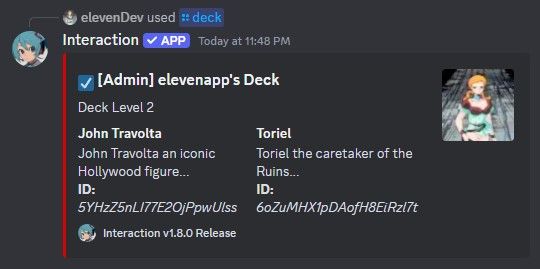
Create: Craft detailed characters and scenarios.
Quick Tip: Type /help for commands and tricks.
Give Interaction a try – see what adventures you create!
Popular Commands
| Command | Description |
|---|---|
/activate | Enables the bot to talk in the current channel |
/help | Displays a simple guide |
/search | Shows all published characters |
/invite | Invite Interaction to your Discord server |
/createcharacter | Create a new AI character sharedMake this character available to everyone? nameCharacter's name descriptionCharacter's description (personality, knowledge, etc.) scenarioCharacter's initial situation dialogueCharacter's common quotes languageCharacter's main language (default: English) |
Categories
Tags
Monetization
Languages
Links
Similar Bots
Other social bots you might like





Popular on UpBot
Trending bots in our directory