
Media Gallery
About Folivana
Music Commands [20]
join :
Makes the bot join your current voice channel, ready to play music.
play :
Plays a specified song or playlist. You can provide a song name, URL, or playlist link.
dedicate :
Plays a song with a dedication message, adding a personal touch to the playback.
pause :
Pauses the current song, allowing you to resume it later.
resume :
Resumes playback of the paused song.
skip :
Skips the current song and moves to the next track in the queue.
previous :
Plays the previous song in the queue, if available.
queue :
Displays the current song queue, showing the order of upcoming tracks.
nowplaying :
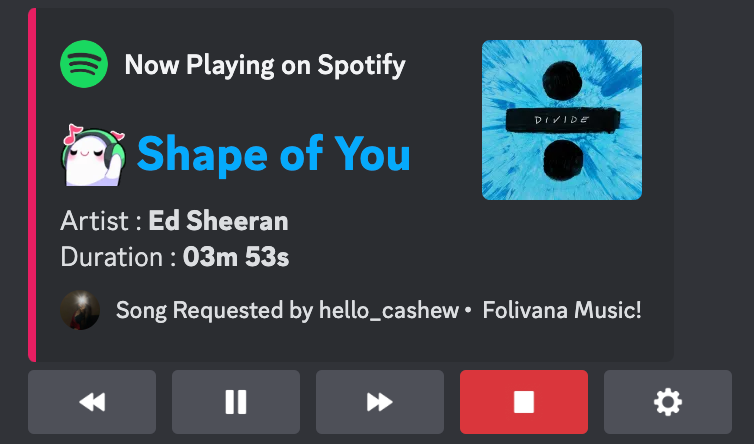
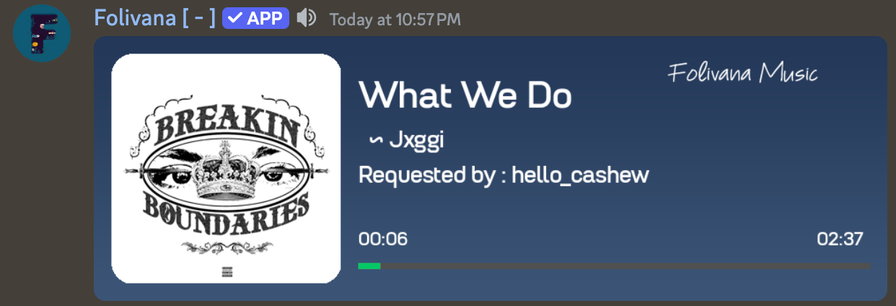
Shows details of the currently playing song, including its title, duration, and playback progress.
remove :
Removes a specific song from the queue based on its position.
clearqueue :
Clears the entire song queue, stopping playback.
shuffle :
Randomizes the order of the songs in the queue.
replay :
Restarts the current song from the beginning.
stop :
Stops playback and clears the queue, disconnecting the bot from the voice channel.
disconnect :
Makes the bot leave the voice channel.
loop :
Toggles loop mode for the current song or the entire queue.
search :
Searches for a song and displays a list of results to choose from.
seek :
Skips to a specific time in the current song (e.g., seek 1:30).
invite :
Provides the bot’s invite link and a support server link.
volume :
Adjusts the playback volume, allowing you to set it to your desired level.
Config Commands [7]
247 :
Keeps the bot in the voice channel 24/7, ensuring uninterrupted playback even when no one is listening. Premium feature.
engine :
Allows you to set your preferred search engine (e.g., YouTube, Spotify) for music searches, providing more accurate and relevant results.
button :
Toggles the interactive player button on or off. This button allows users to control playback directly from the message interface.
channel status :
Enables or disables the bot's ability to display the current status of the music channel, such as "Now Playing."
setup :
Assigns a specific text channel for bot interactions, ensuring a dedicated space for commands and updates.
getsetup :
Retrieves the current setup channel where the bot is configured to operate.
clearsetup :
Clears the assigned setup channel, resetting the bot's channel configuration.
Filters Commands [9]
bassboost :
Enhances the bass frequencies of the audio, giving the music a deeper and more powerful sound.
**8d **:
Applies a spatial effect, making the audio feel like it’s moving around the listener's head.
chipmunk :
Alters the pitch to make the audio sound like it’s being sung by chipmunks.
karaoke :
Reduces vocals in the track, creating a karaoke-like experience.
deepvoice :
Lowers the pitch of the audio, making it sound deeper and more resonant.
nightcore :
Speeds up the track and raises its pitch, creating the distinctive "nightcore" sound.
tremolo :
Modulates the volume of the audio in a rhythmic pattern, creating a trembling effect.
vaporwave :
Slows down the track and adds a reverb effect, giving it a dreamy, retro vibe.
reset :
Removes all active audio filters and resets the playback to its default state.
Info Commands [9]
help : `Displays a list of all available commands and their descriptions, helping users navigate the bot’s features.
leaderboard :
Shows the server's leaderboard, ranking users based on activity or points (depending on the bot's setup).
rank :
Provides detailed information about a user's rank and progress on the server, such as points or level.
invite :
Provides the bot's invite link and a link to the support server, allowing users to add the bot to other servers or seek assistance.
ping :
Displays the bot’s current response time, API latency, and database latency, helping diagnose performance issues.
stats :
Shows detailed information about the bot, including uptime, server count, and active users.
**premium **:
Displays information about the bot's premium features and how to access them.
redeem :
Allows users to redeem a premium license key to unlock additional features.
dev :
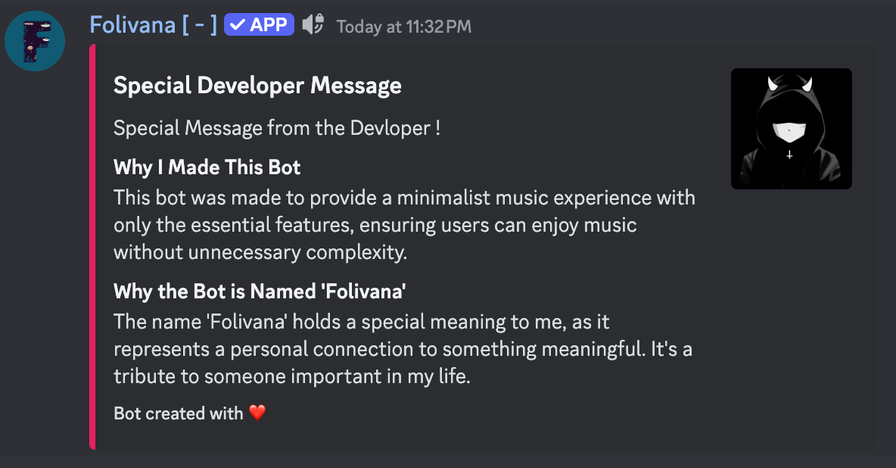
Provides information about the bot's developer, including contact details or links to their profile.
Popular Commands
| Command | Description |
|---|---|
/forcefix | Force fixes all voice connections. |
/rank | Displays the rank card for a user. user… |
/247 | Enable or disable 24/7 mode (Only for bot owner). |
/play | Play a song or playlist. query… |
/join | Join the voice channel that the user is in. |
Support Server

Categories
Tags
Monetization
Languages
Links
Similar Bots
Other social bots you might like






Popular on UpBot
Trending bots in our directory