
Media Gallery
About Sheep
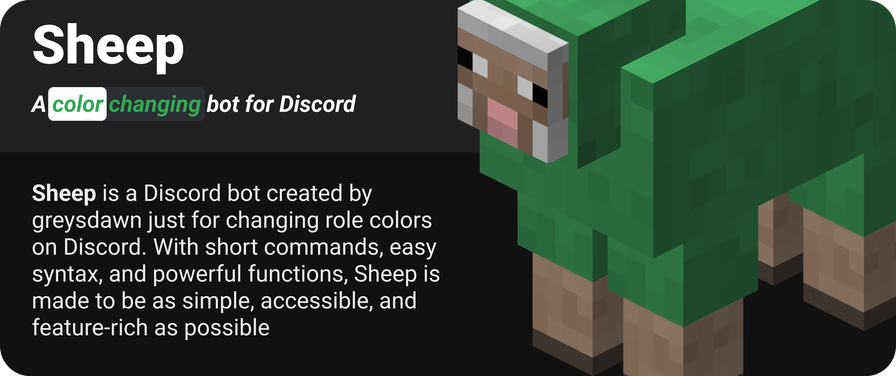
Sheep
A color changing bot for Discord
Sheep was created as an alternative to Hex and similar color bots. The bot can be used like Hex to create custom color roles for users in your server.
Getting Started
Use this link to invite Sheep to your server. After this, make sure they can see messages, manage roles, embed links, and read whatever channel you plan to use them in.
You can use s!help to get a rundown of the commands, or visit their website here
Features
Color changing
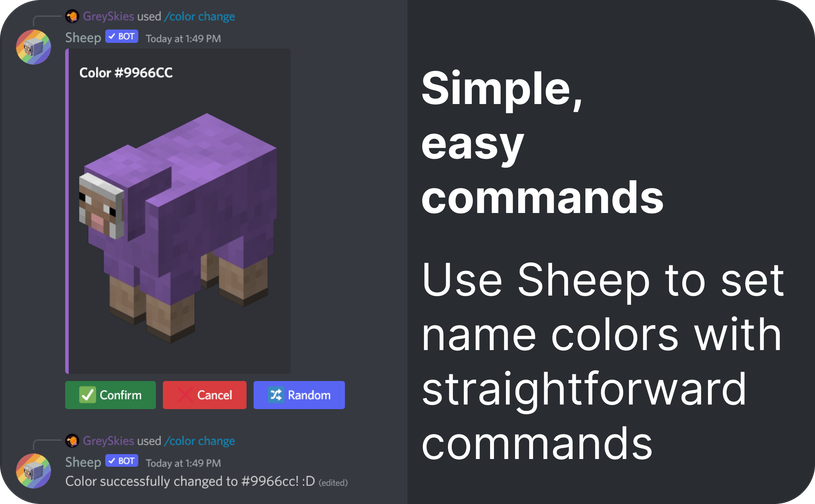
Sheep's primary function is to change username colors in servers. It accomplishes this using short, easy commands (like s!c) with plenty of flexibility.
When changing your color, you can use hex, hsv/l, rgb, and color names from this list.
It also comes with the added bonus of previewing colors using a sheep. Who doesn't like those?
Saving colors
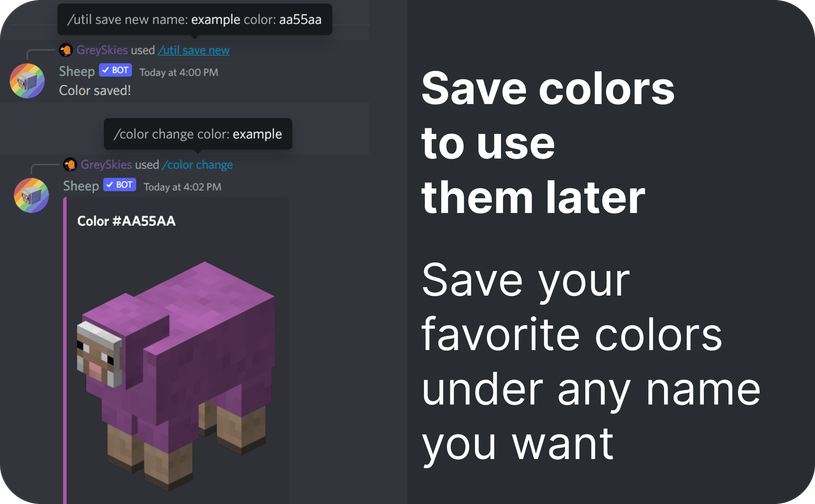
On top of the color names mentioned before, you can also create your own names to use! The s!save command allows you to save color values (eg. hex codes) to use with a friendly name. You even have the option to overwrite existing color names if you prefer a certain hex over the default one.
On top of this, you can export and import colors, making it easy to share your presets between friends and alternate accounts.
Role linking
You can link your color role to another user's, so that you both share it. This means that both of you can control what the color is for both of your accounts. This is primarily intended for users with multiple accounts, but can be used for other reasons as well.
Server-based colors
Sheep uses user-based colors by default. What this means is that everyone gets a color role specifically for them (aside from linking). If this puts too much strain on your server's role list, you can switch to using server-based colors.
Server-based colors are a set of roles that users have to choose from. Think of it a bit like self roles, but intended specifically for colors. To get set up, use s!tg to toggle to server-based roles, then start setting them up with s!rl.
Automatic hoisting
When using user-based colors, roles are automatically moved below any role with sheep in its name that the bot has been given. In most cases, this is the role automatically created when the bot is invited; however, you can also create a custom role for this. Put that role wherever you want colors to be and the bot should move them up automatically!
Automatic cleanup
User-based colors should automatically be deleted once a member leaves a server. Saves you lots of time and lots of headaches!
Popular Commands
| Command | Description |
|---|---|
/help | View command help commandView help for a specific command in a module |
/color | Commands to manage colors changeChange your color currentGet your current role color linkLink your role with another person listView the color roles available in the server removeRemove your current color renameRename your current color role unlinkUnlink your role with another person |
/about | Info about the bot |
/admin | Commands for handling admin actions assignAssign a color/role to a user cleanupDelete roles from users that have left permfixFix (clear) permissions from created color roles purgeDelete all created user roles rolesManage server-set color roles toggleToggle the server's role mode |
/config | Commands to configure bot options autorenameChange whether the bot should automatically rename your color roles blacklistCommands to configure the usage blacklist disableDisable usage of specific commands enableEnable usage of specific commands hoistChange the role to put colored roles under pingableChange whether colored roles should be pingable by everyone or not readableChange whether readable/accessible colors are required readoutChange whether the bot should show the a11y readout whitelistCommands to configure the usage whitelist |
Categories
Tags
Monetization
Languages
Similar Bots
Other moderation and tools bots you might like






Popular on UpBot
Trending bots in our directory