Media Gallery
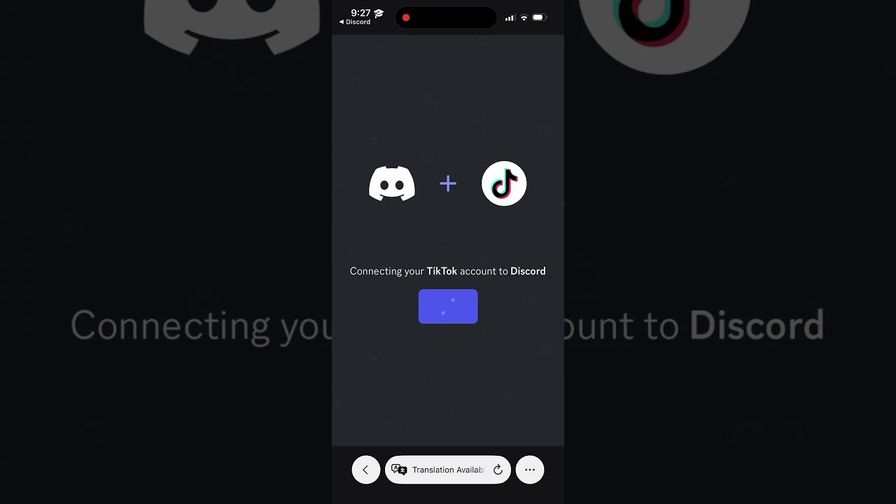
About TikTok Verify
TikTok Verify confirms your Discord members actually own the TikTok account they claim — in one click. No codes, no bio edits, no extra logins. Members link TikTok to Discord once (Settings → Connections), tap Verify, and the verified role is assigned instantly.
Verification stays accurate. A daily background check re-confirms every member's linked TikTok. Renames update automatically — no re-verify needed. Account swaps or disconnects alert your moderators.
Built-in security for creator and community servers: • Alt-account detection — catch members rejoining under a new account. Look up any user and see other accounts that signed up from the same device or network. • Per-server blocklists — block a TikTok account from verifying. Import a whole banned list from a screenshot; AI reads the usernames. • Ban-evasion protection — blocklisted accounts that slip in are removed automatically. • Moderator dashboard — verify, unverify, look up, blocklist, audit logs, CSV export, role-targeted announcements, and optional auto-kick for members who never verify.
Privacy-first: we never see your password, never read your messages, and never store your real IP or device details — only scrambled, non-reversible codes. Security signals auto-delete after 180 days.
Optional Discord Linked Roles support adds a welcome tier and tracks username changes automatically.
Popular Commands
| Command | Description |
|---|---|
/unverify-tiktok | Unverify (and optionally kick/ban) a user by TikTok username/OpenID (admin) queryTikTok username, @handle, profile URL, or OpenID actionWhat to do in Discord after unlinking reasonOptional reason for audit log / mod notes |
/setup-support | (Owner) Post or repair the support ticket panel in the support server |
/1-dashboard | Open the admin dashboard |
/2-help | Get help, FAQ, and setup guides |
/verification-log | View all verification activity statusFilter by status |
Categories
Tags
Monetization
Languages
Similar Bots
Other moderation and tools bots you might like





Popular on UpBot
Trending bots in our directory